Cybersecurity: a career start
with $150,000+ potential for your child
While others only learn “coding”, we focus on one of the most valuable and in-demand fields in IT. Ethical hacking and data protection for teens 12–17 with mentor guidance.
Your child learns to protect accounts and spot scams. They stop being an easy target online and become a “digital shield” for the family.
We learn Python and JS for real tasks. Your child starts understanding how systems work instead of only consuming apps and games.
Cybersecurity is one of the highest-paying tracks in IT. We turn curiosity into a legal, ethical foundation for a global career.

WHO IS THIS COURSE FOR?
For teens who are ready to level up in tech
Future tech pros (12+)
For those who want more than just playing games. We explore what’s “under the hood” of real services and how modern tech works.
Kids who love puzzles and logic
Hacking is first of all analytics. If your child loves quests, puzzles, and non-trivial tasks — they’ll enjoy it.
Responsible and ambitious learners
We train “white hats”. This course is for those who want unique skills and use them ethically and responsibly.
Anyone who wants a strong start
Perfect if your child has tried programming or wants something more exciting than writing “toy code” without real context.
Why this age (12+)?
At this age, teens can already grasp SQL logic and API concepts. It’s the perfect time to turn curiosity into a valuable skill — while the internet still feels like a game.
Who this is NOT for
If someone wants to hack other people’s accounts “for fun” or steal game profiles — this course isn’t for them. We teach defense, ethics, and legal work.
What’s inside the course?
Professional tools and real-world tech
Core foundations
Web fundamentals, command line, databases, and basic API testing tools.
Digital investigation & psychology
OSINT: learn to find public information like real investigators.
White-hat basics
Linux: learn the OS used by pros. The command line becomes a second language.
Web anatomy (frontend & backend)
Web stack (JS, HTML, CSS): break websites down to understand where bugs hide.
Vulnerabilities & APIs
Web & API security: how apps communicate and where security gaps appear.
Training format: 1:1 mentoring
Maximum focus on your child’s progress
Personal learning path
No generic group program. Full attention for one student. We move at a comfortable pace: we work through hard topics until it clicks and don’t waste time on what’s already clear.
Live interaction
Sessions are 1:1 and real-time. Your child sees my screen, I see their work. Mistakes are fixed immediately and questions are answered on the spot.
Practice on real labs
No slides. About 80% of the time is hands-on: Linux terminal, safe tools setup, and writing code. Your child learns like a real junior security specialist — in a controlled environment.
Support in messenger
I’m available between lessons. If something is hard or curiosity sparks, your child can message directly. This builds confidence and healthy learning habits.
Flexible schedule
We plan sessions around school and activities. If plans change, we can reschedule without losing progress.
Why 1:1 works better
3× faster progress
What takes a month in a group can take a week 1:1.
Safe environment
Teens often hesitate to ask questions in groups. In 1:1 there’s no such barrier.
Transparency
Parents get honest feedback about progress, not just “grades”.
WHO TEACHES THE COURSE?

Experience
10+ years in cybersecurity and automation. I teach adults and teens the fundamentals of safe behavior online.
Approach
I explain complex things in a simple way. We learn how to stay safe online and build first programs step by step.
Safety & ethics
Knowledge is used for defense — not attacks. Responsibility and ethics are a core part of cybersecurity.
FAQ
Do I need programming experience?
No. We start from the basics. If your child has never coded before — that’s absolutely fine.
Is it safe for kids?
Yes. We teach defense and ethical use only. All lessons are run in a controlled, safe environment.
What do we need for lessons?
A computer/laptop with internet access. All tools we use are free and we install them together in the first lesson.
Can parents join the lessons?
Yes. Parents can join the first lesson to make sure the format is safe and a good fit.
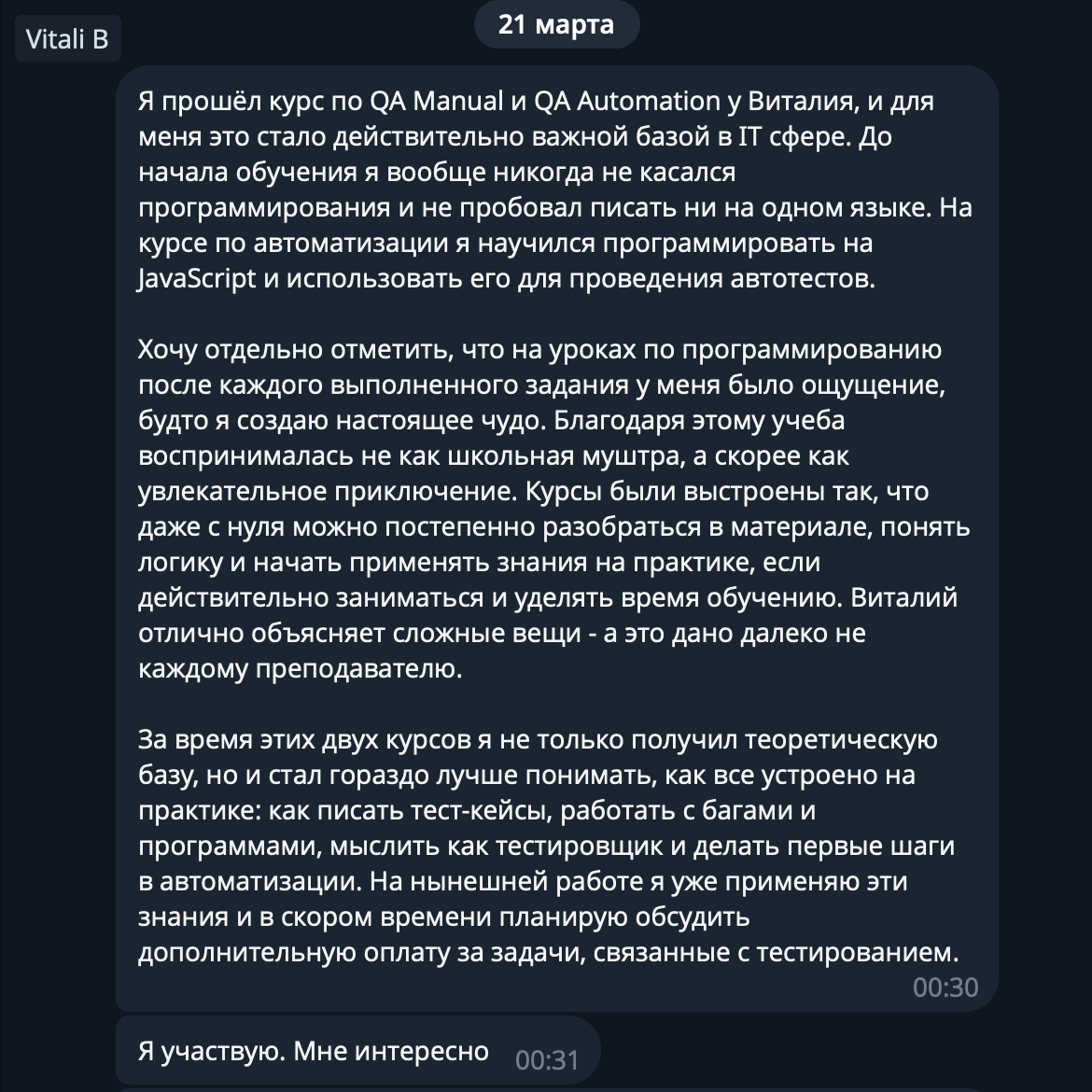
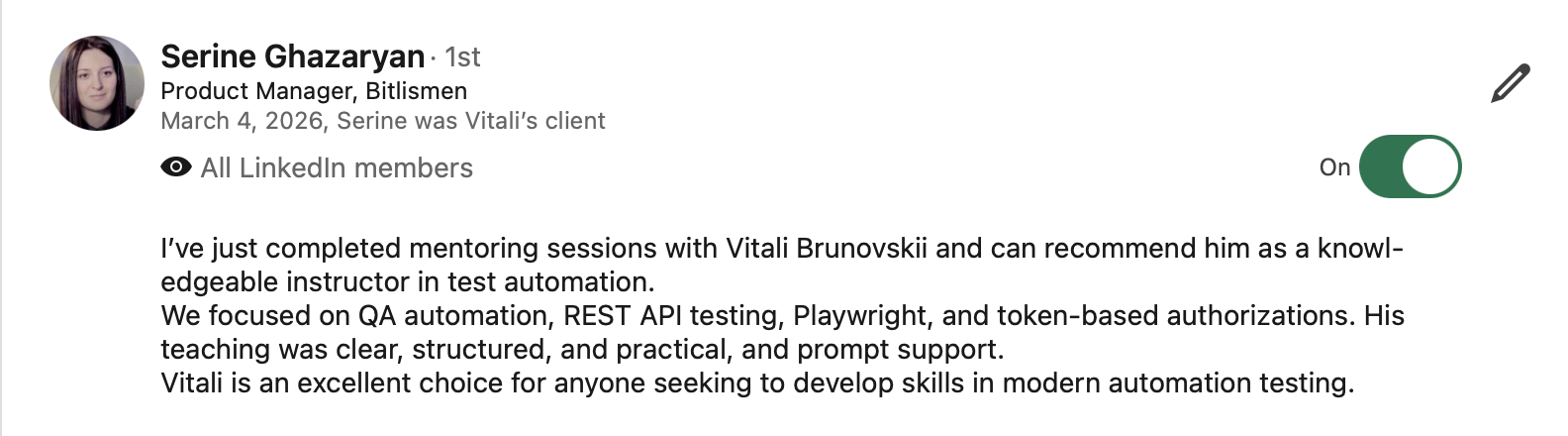
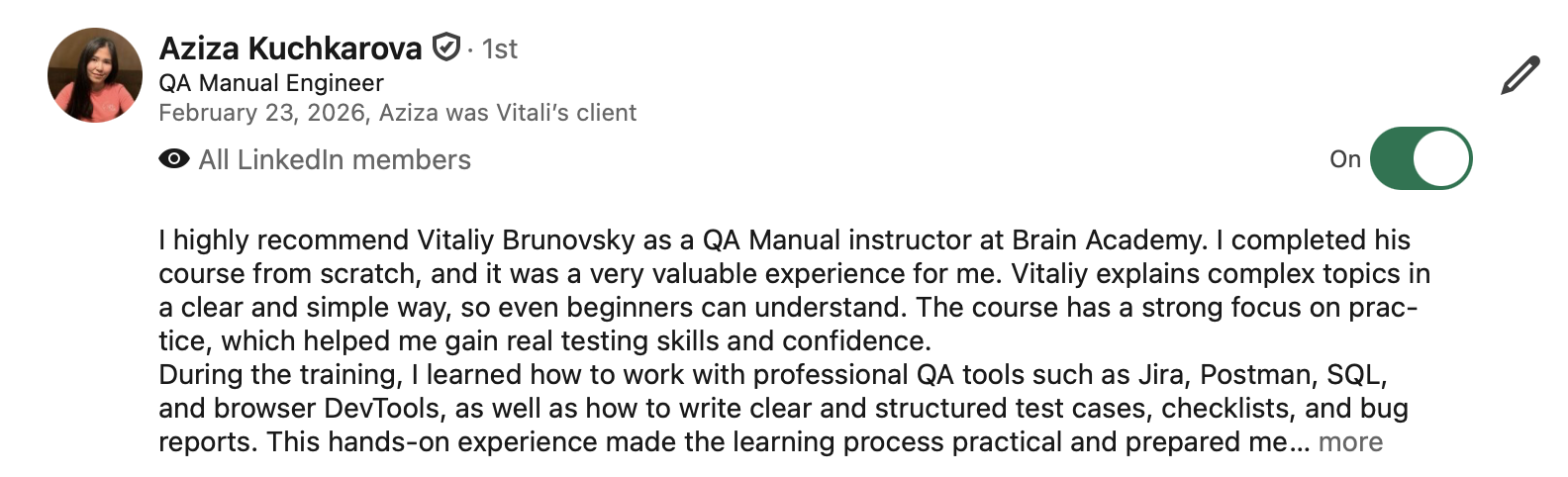
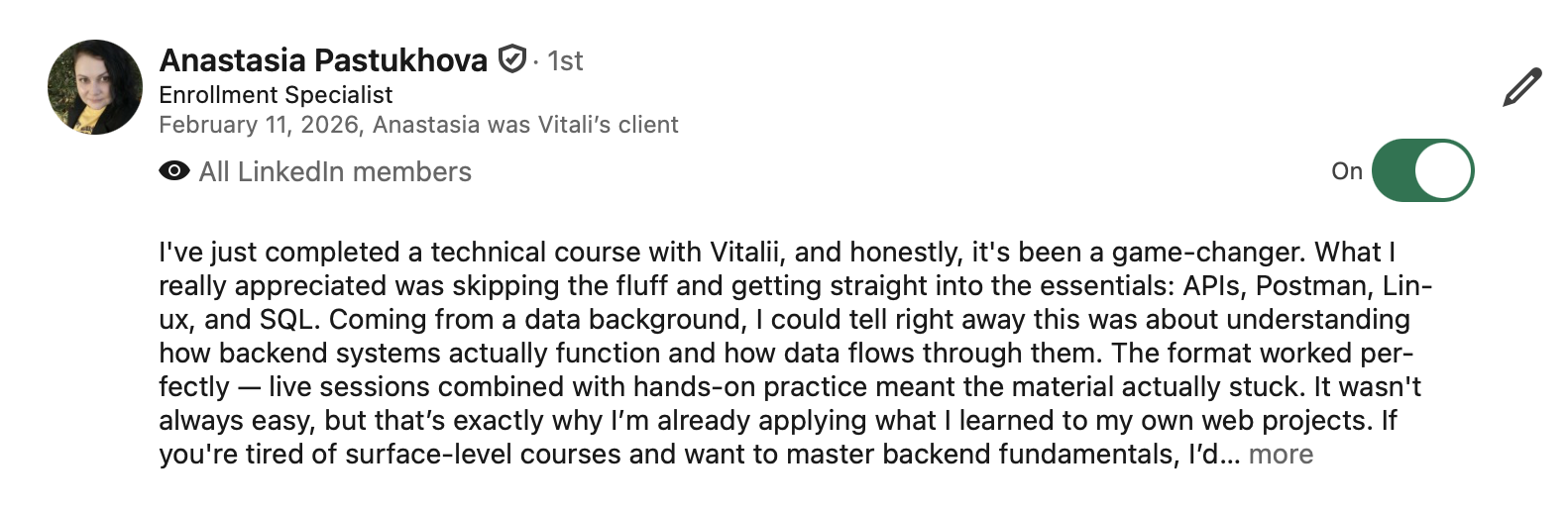
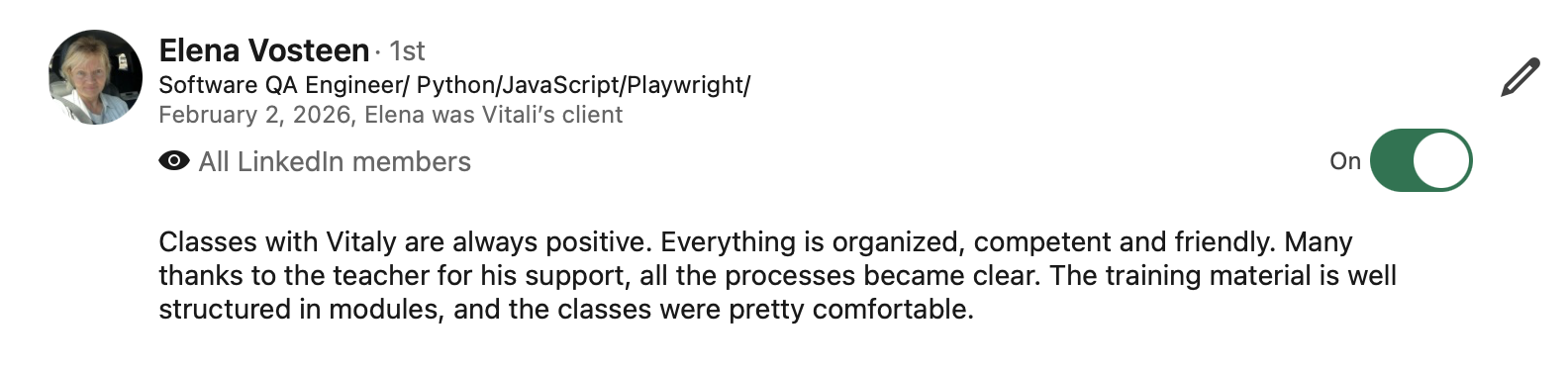
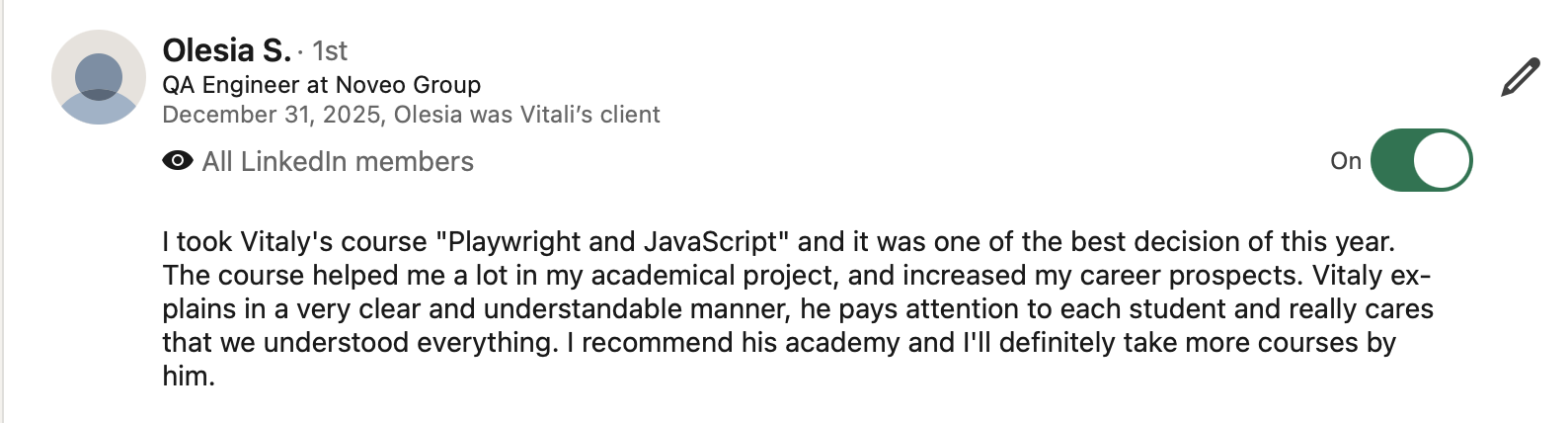
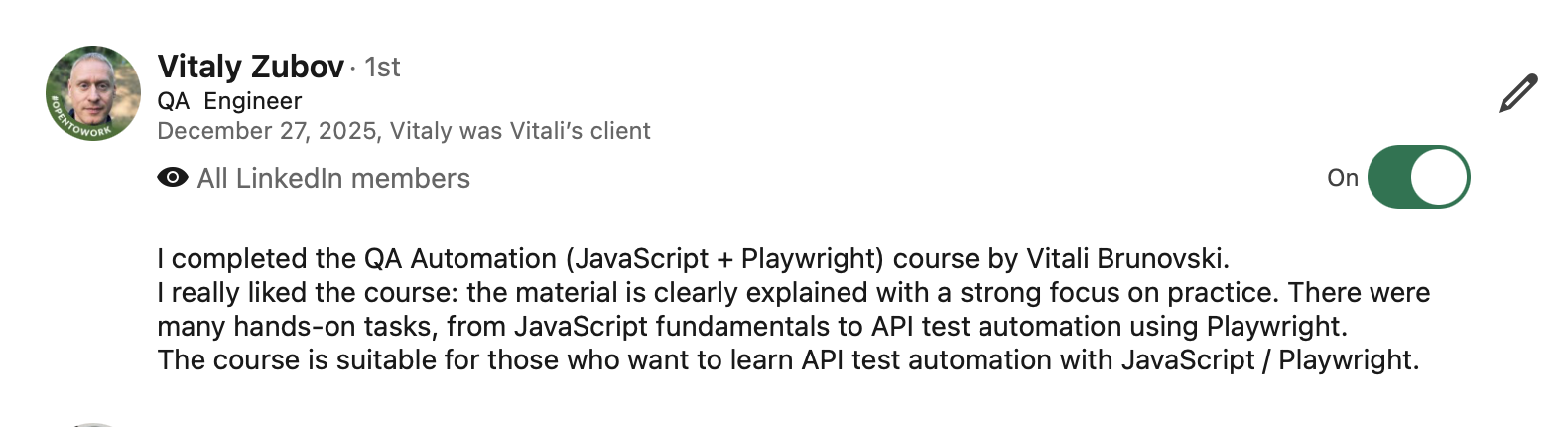
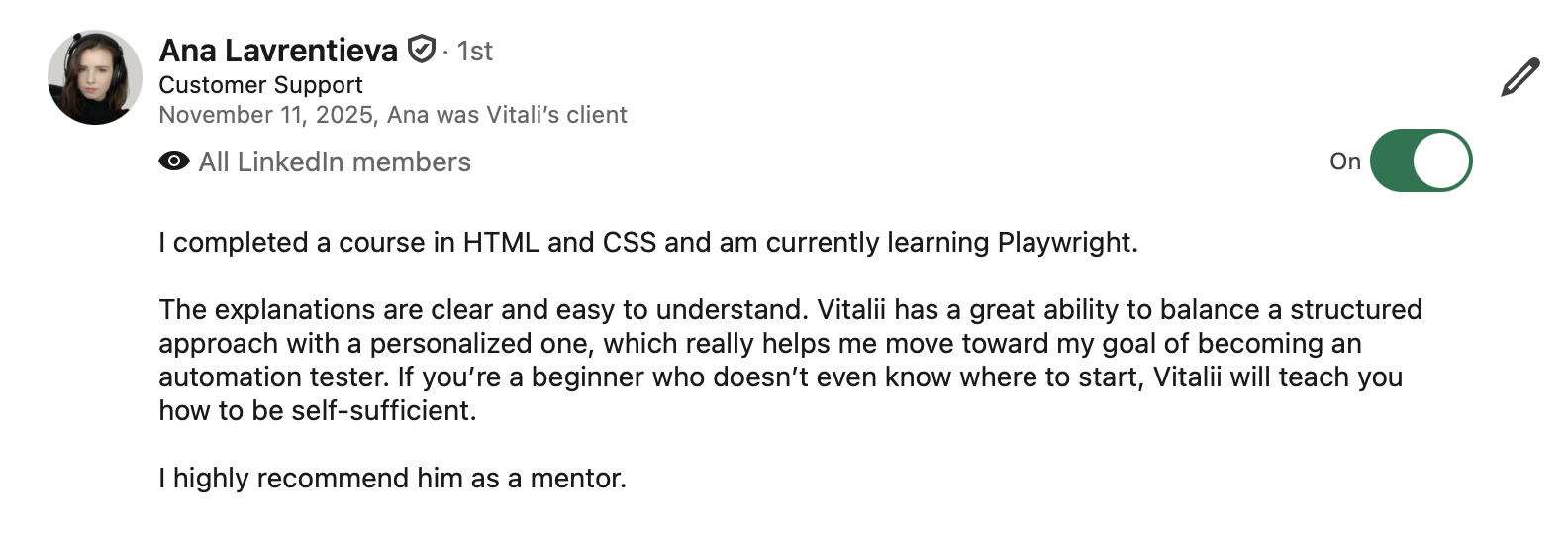
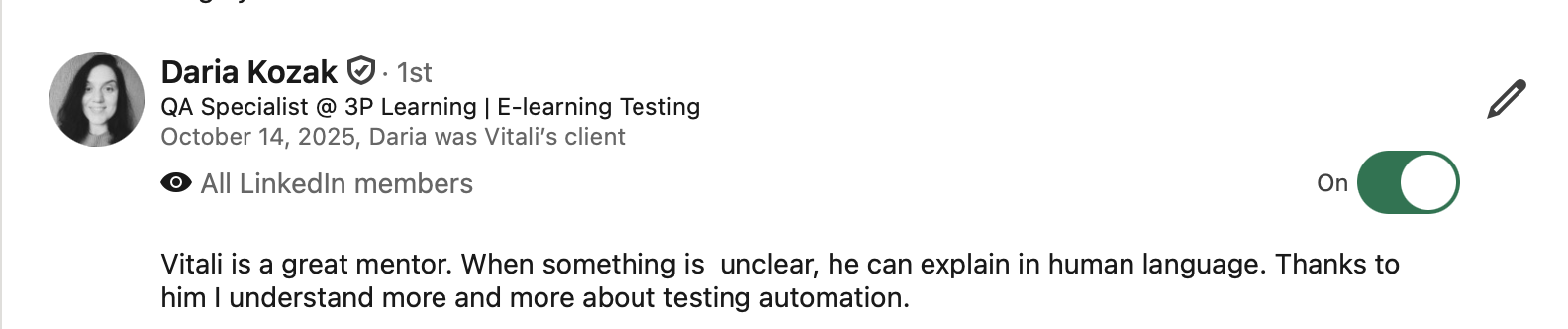
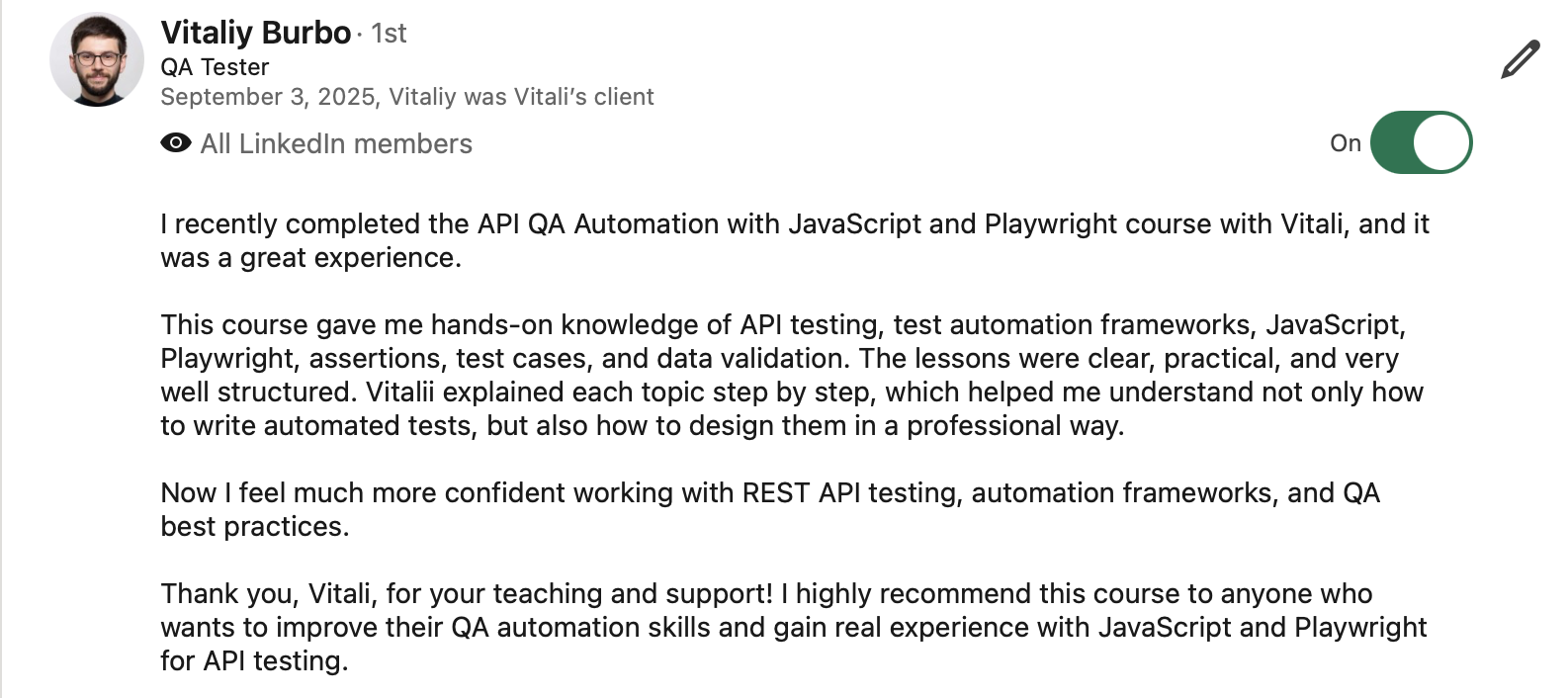
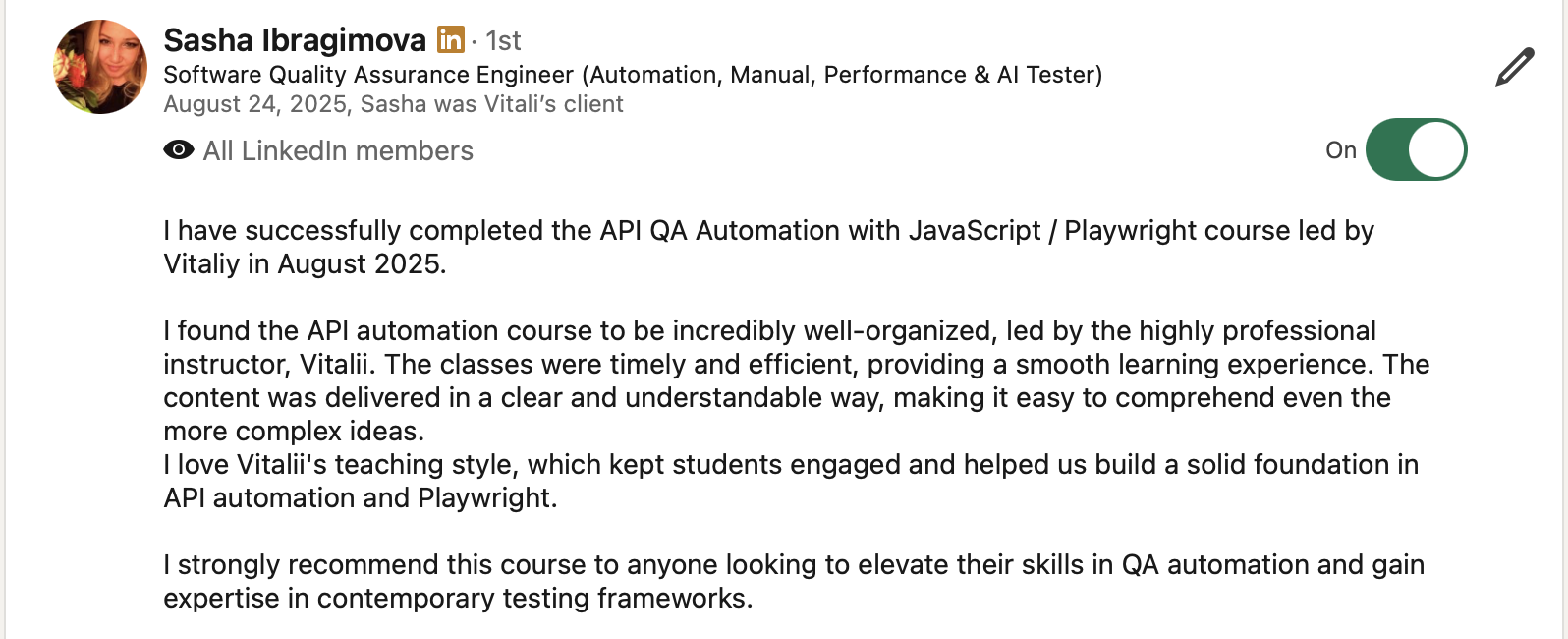
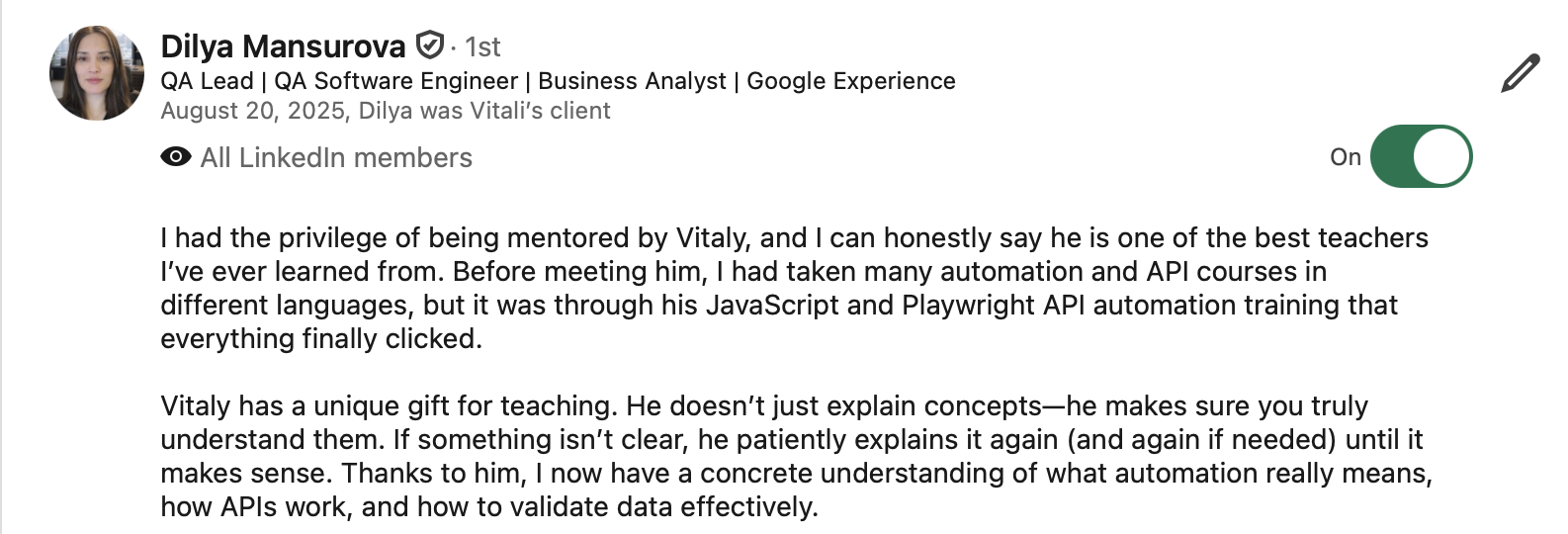
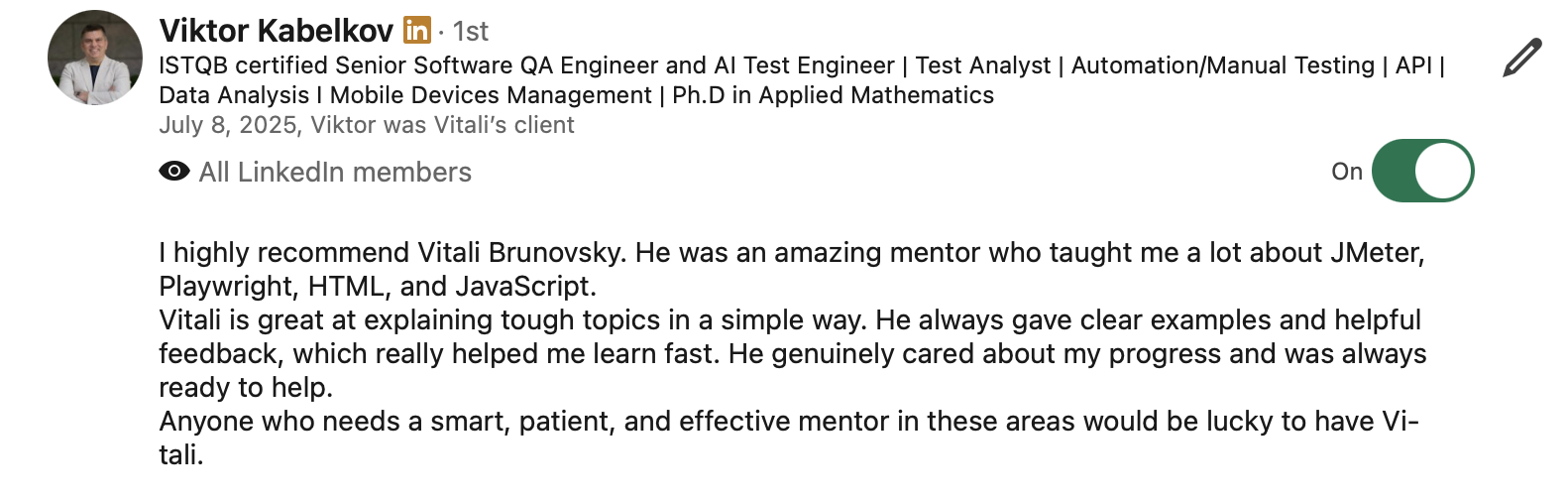
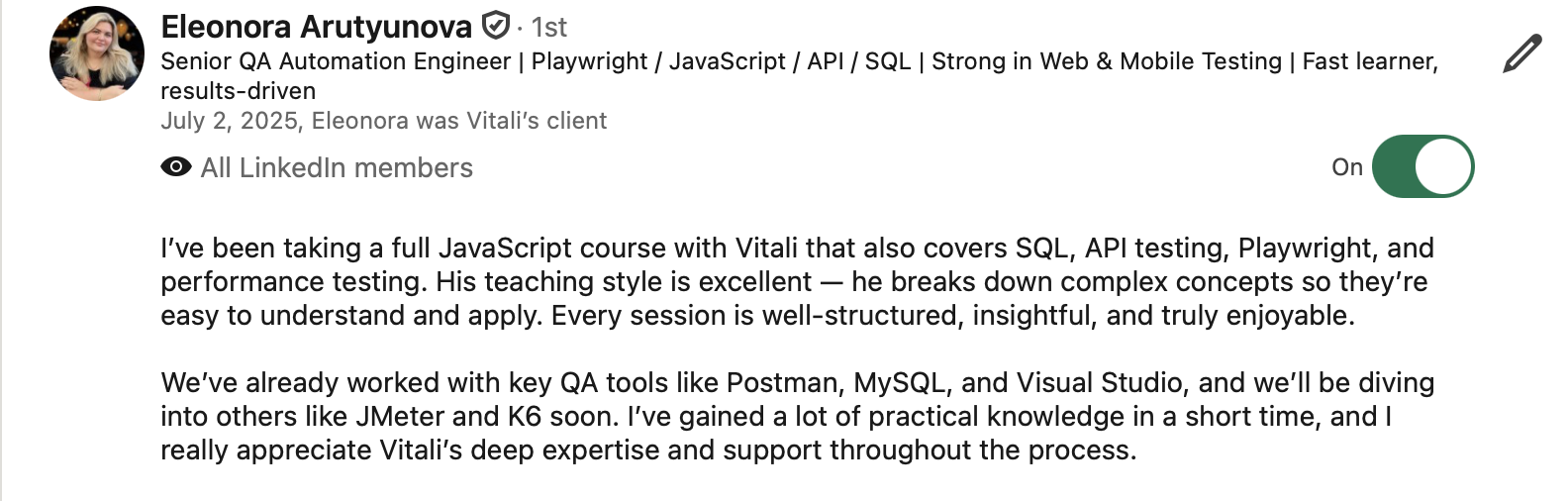
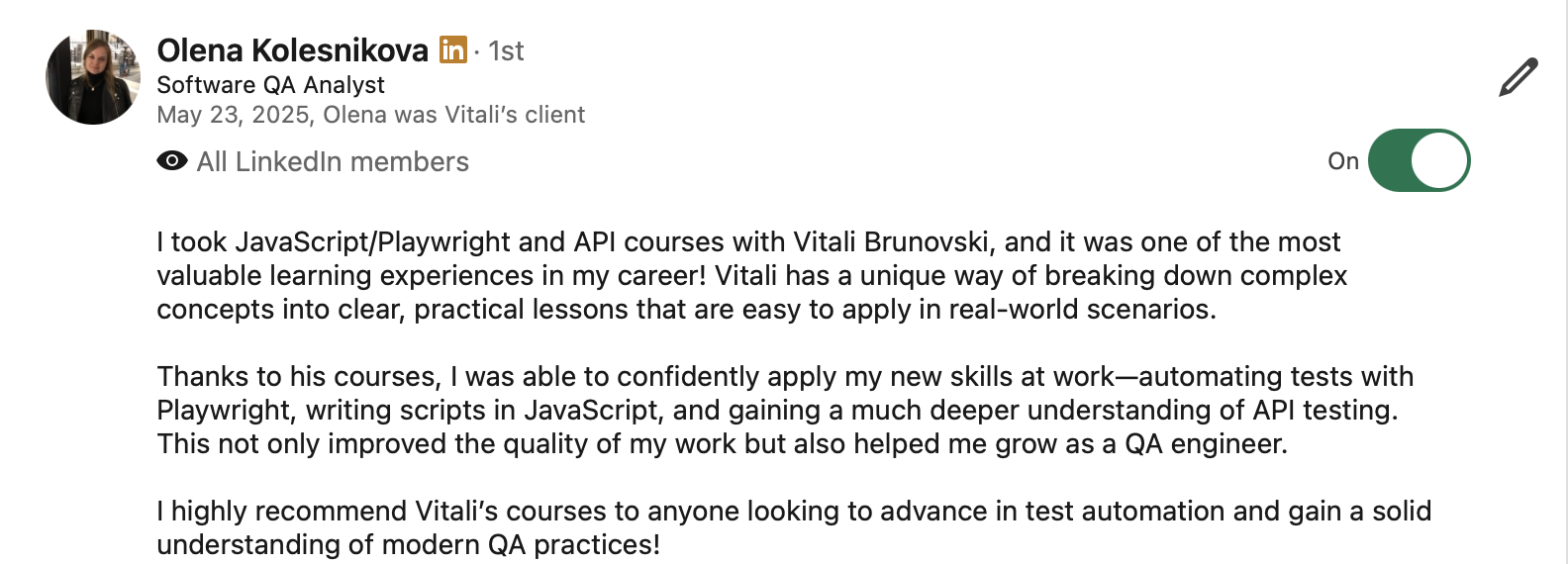
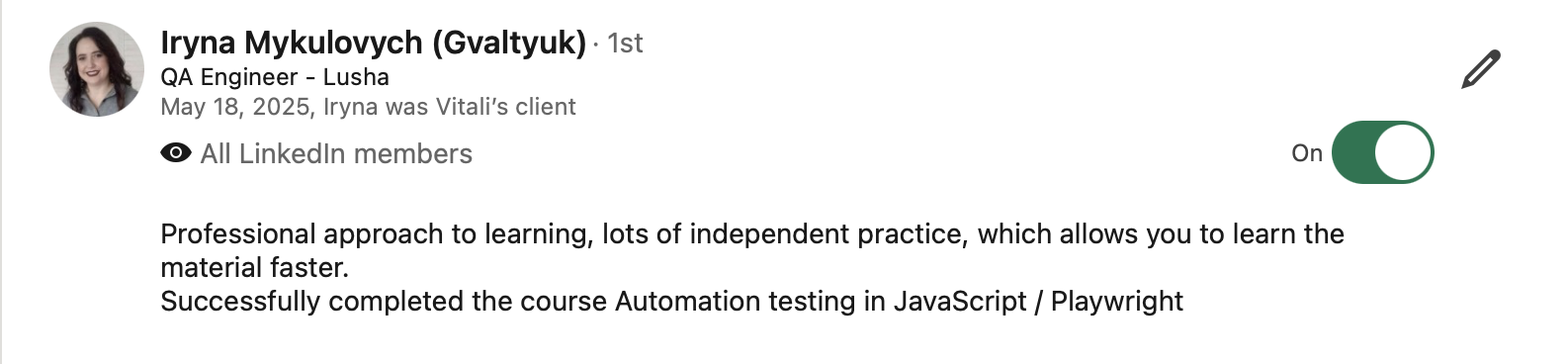
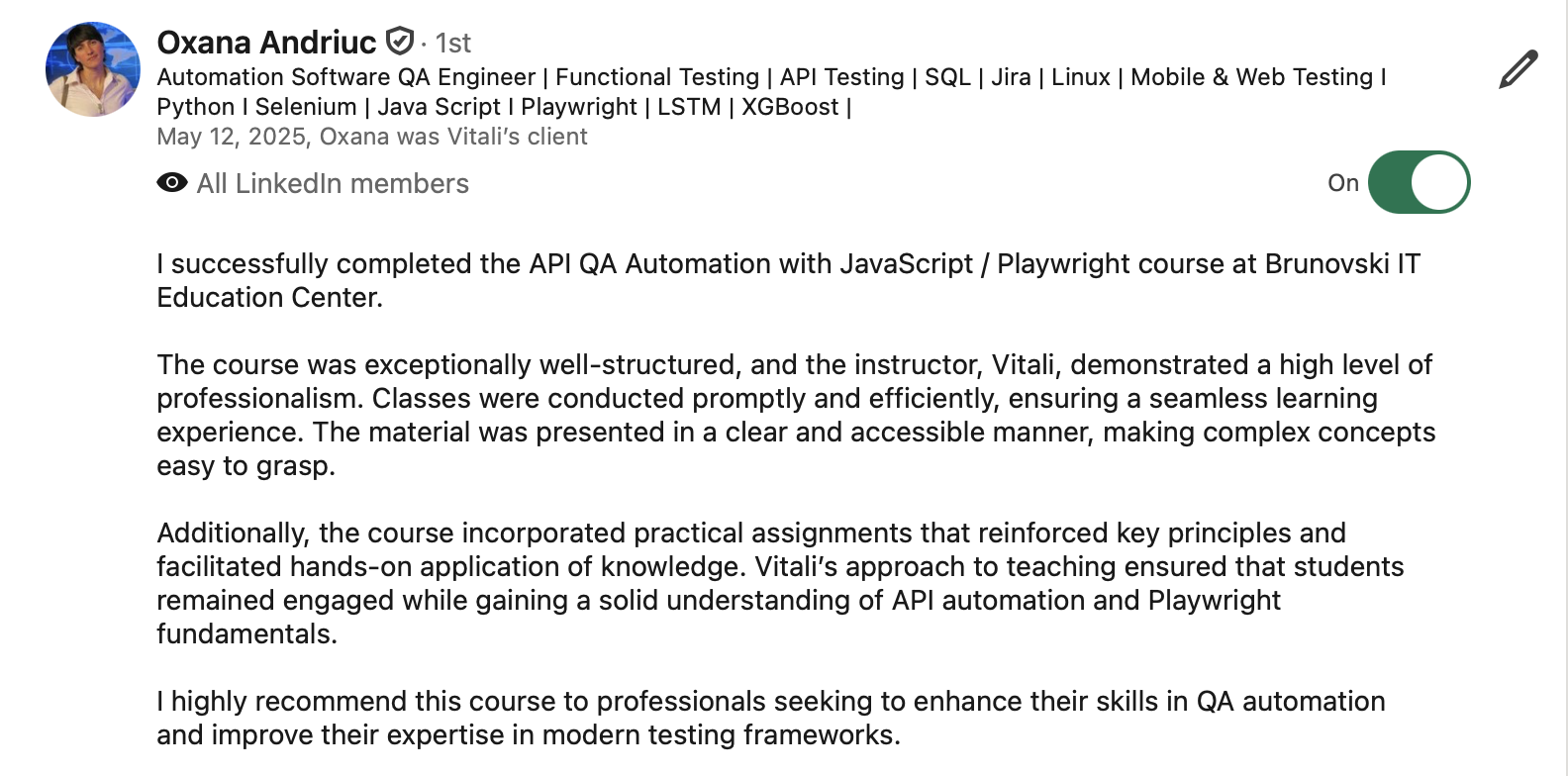
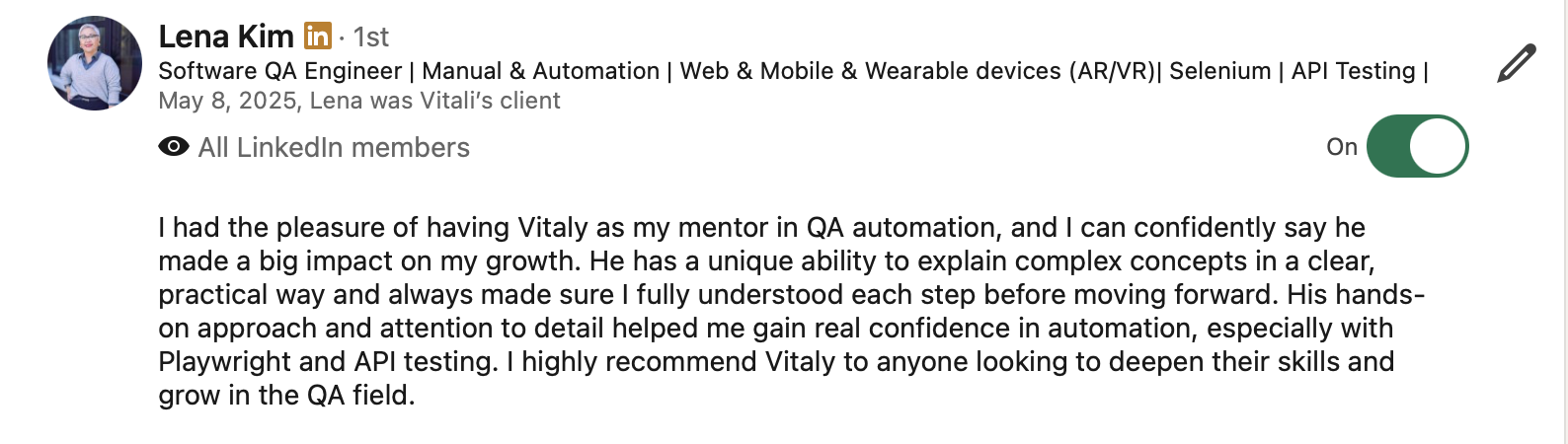
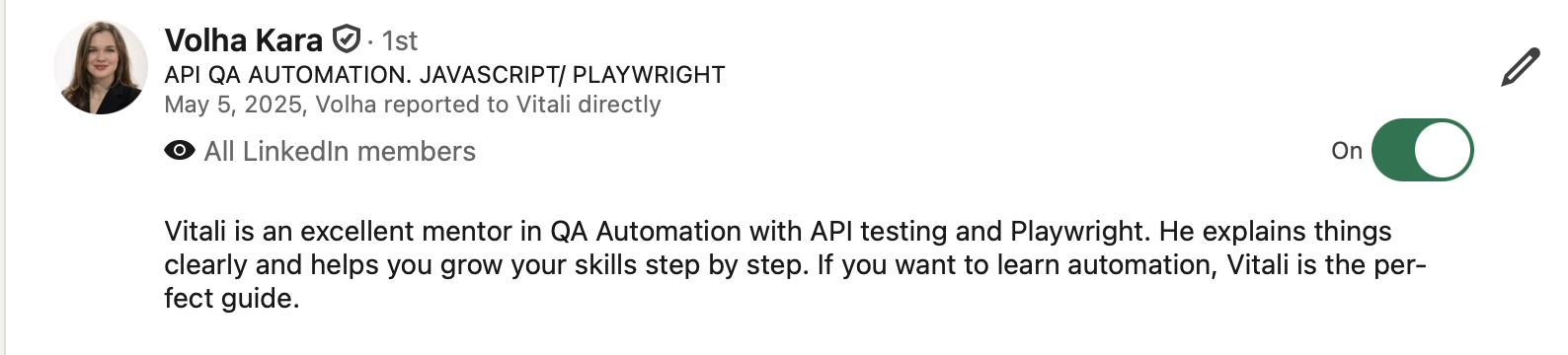
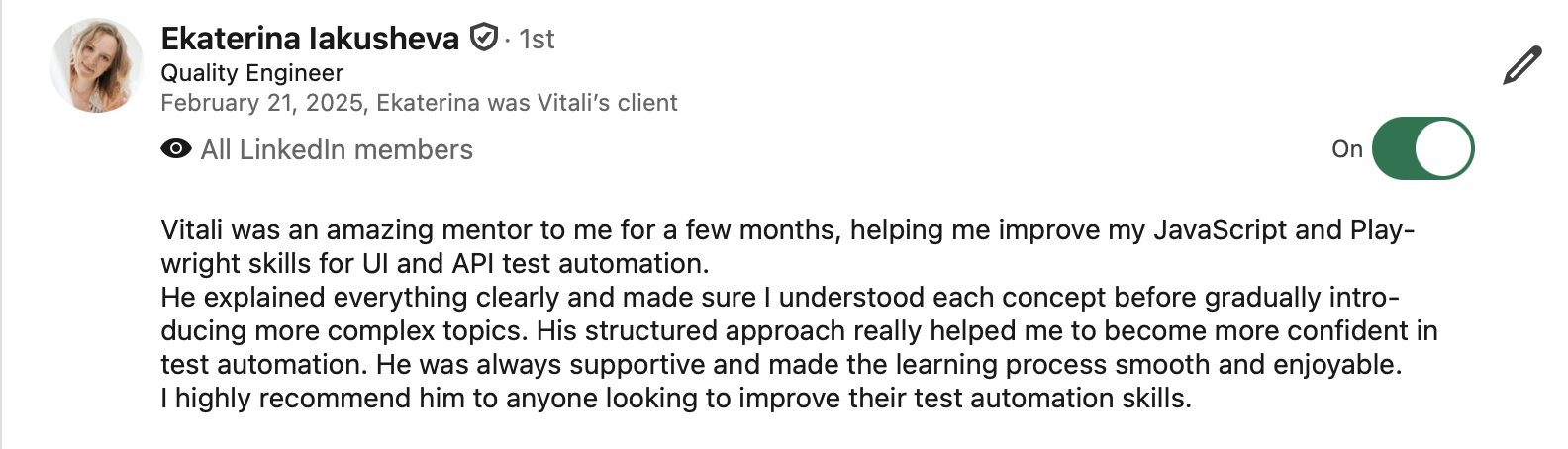
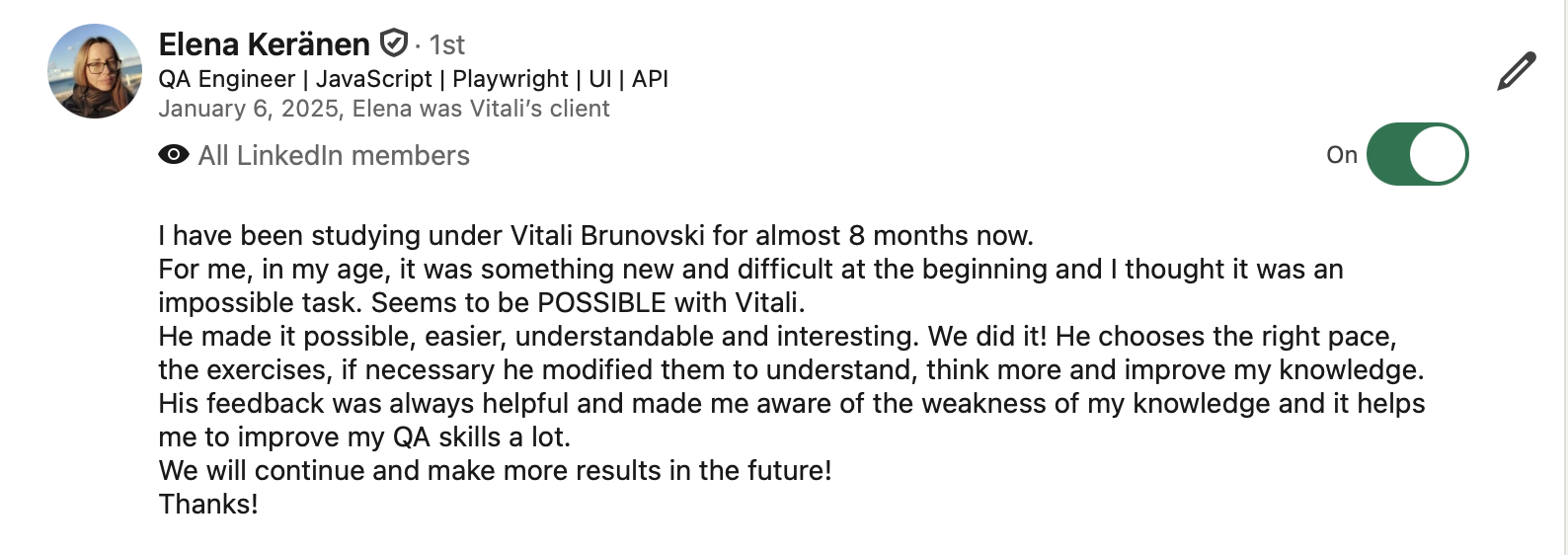
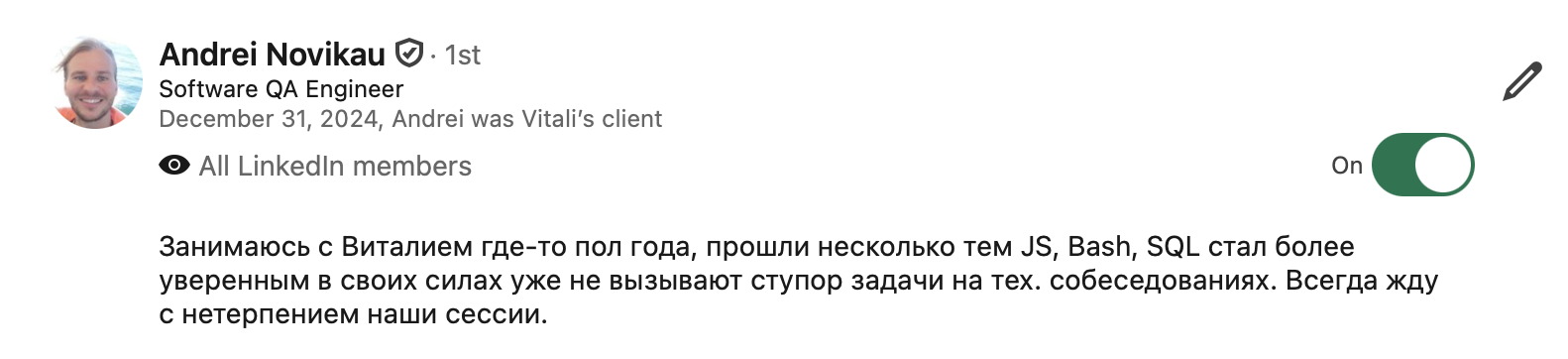
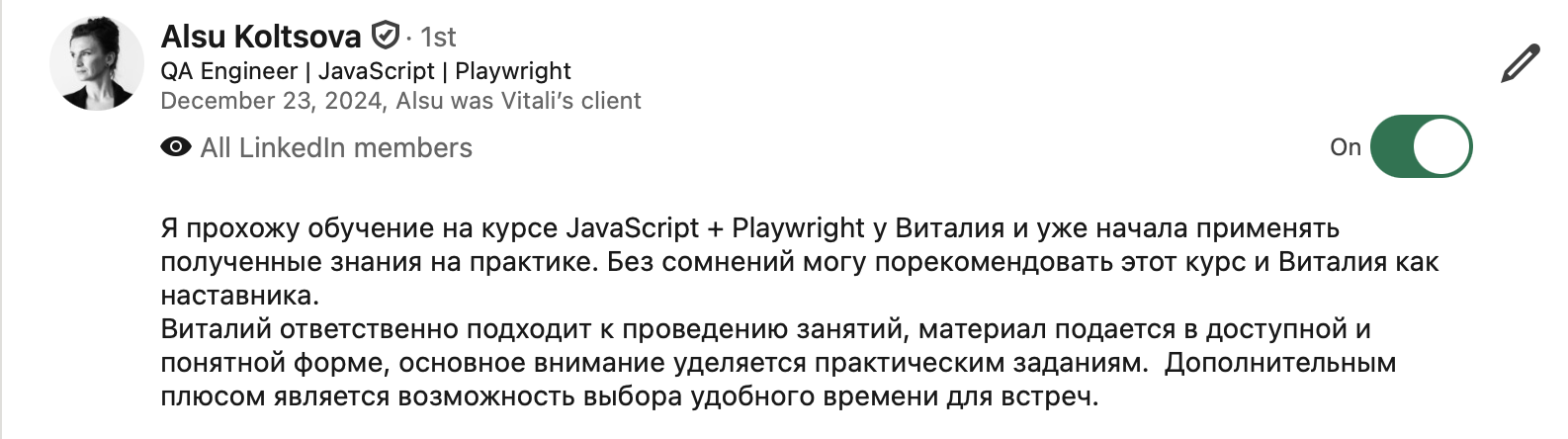
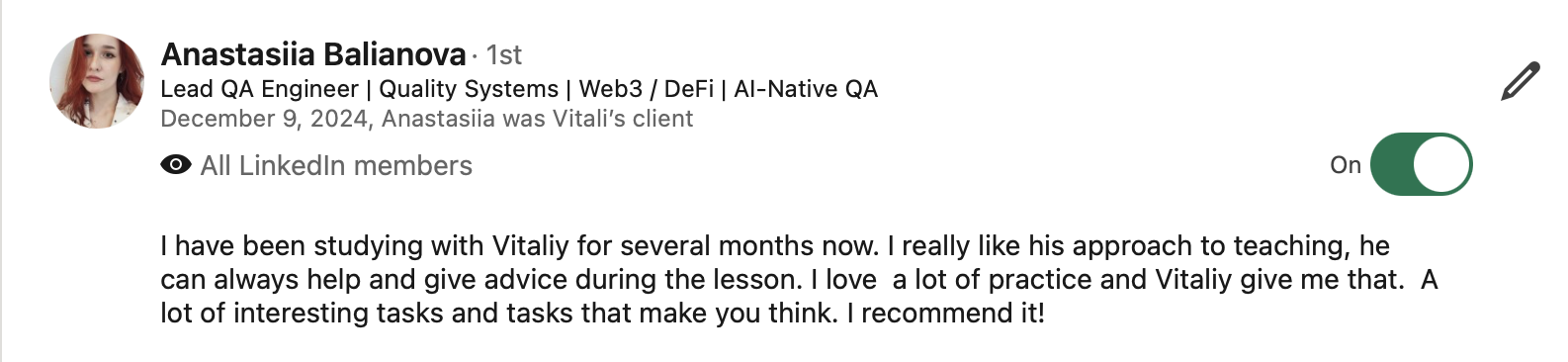
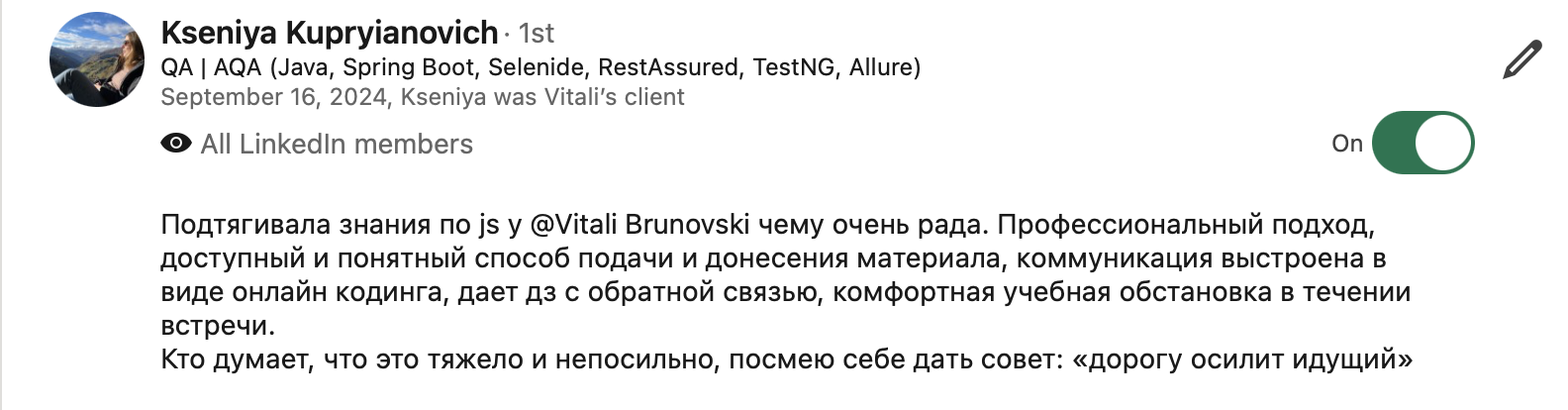
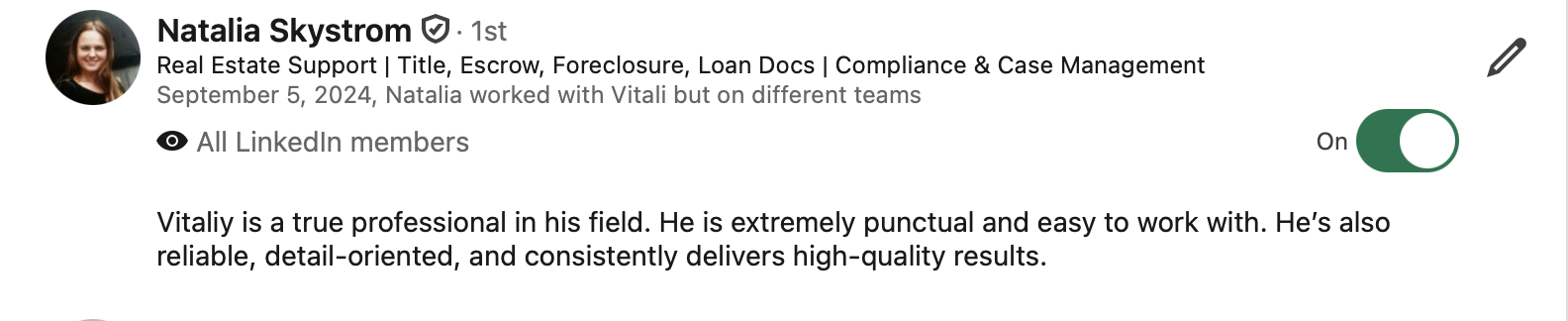
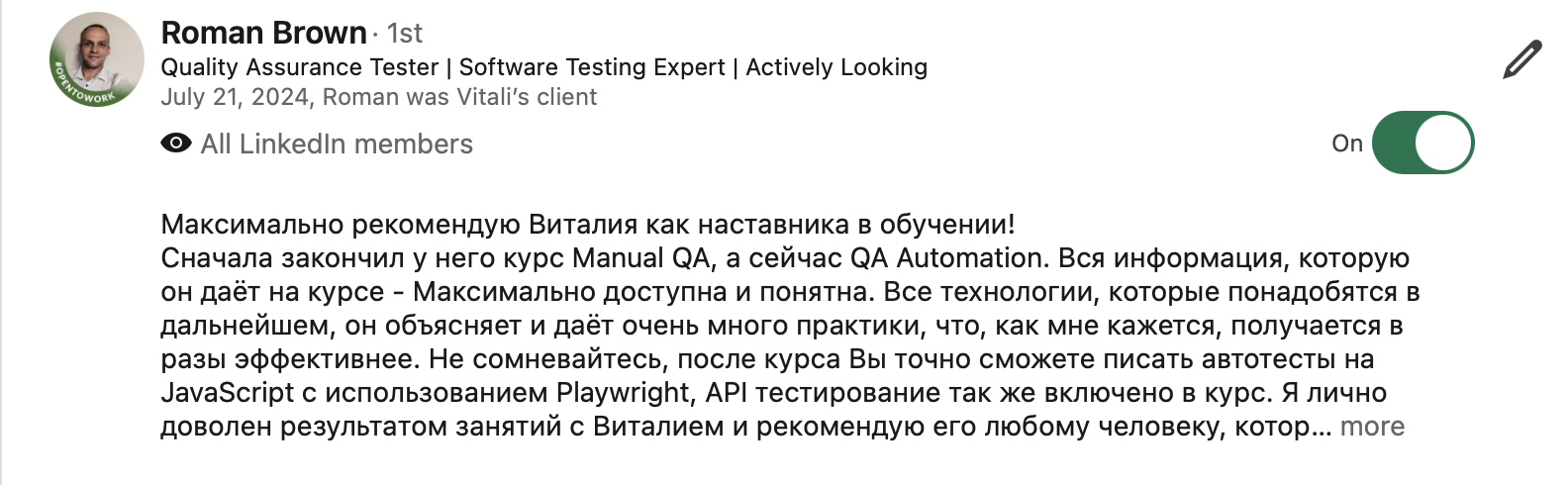
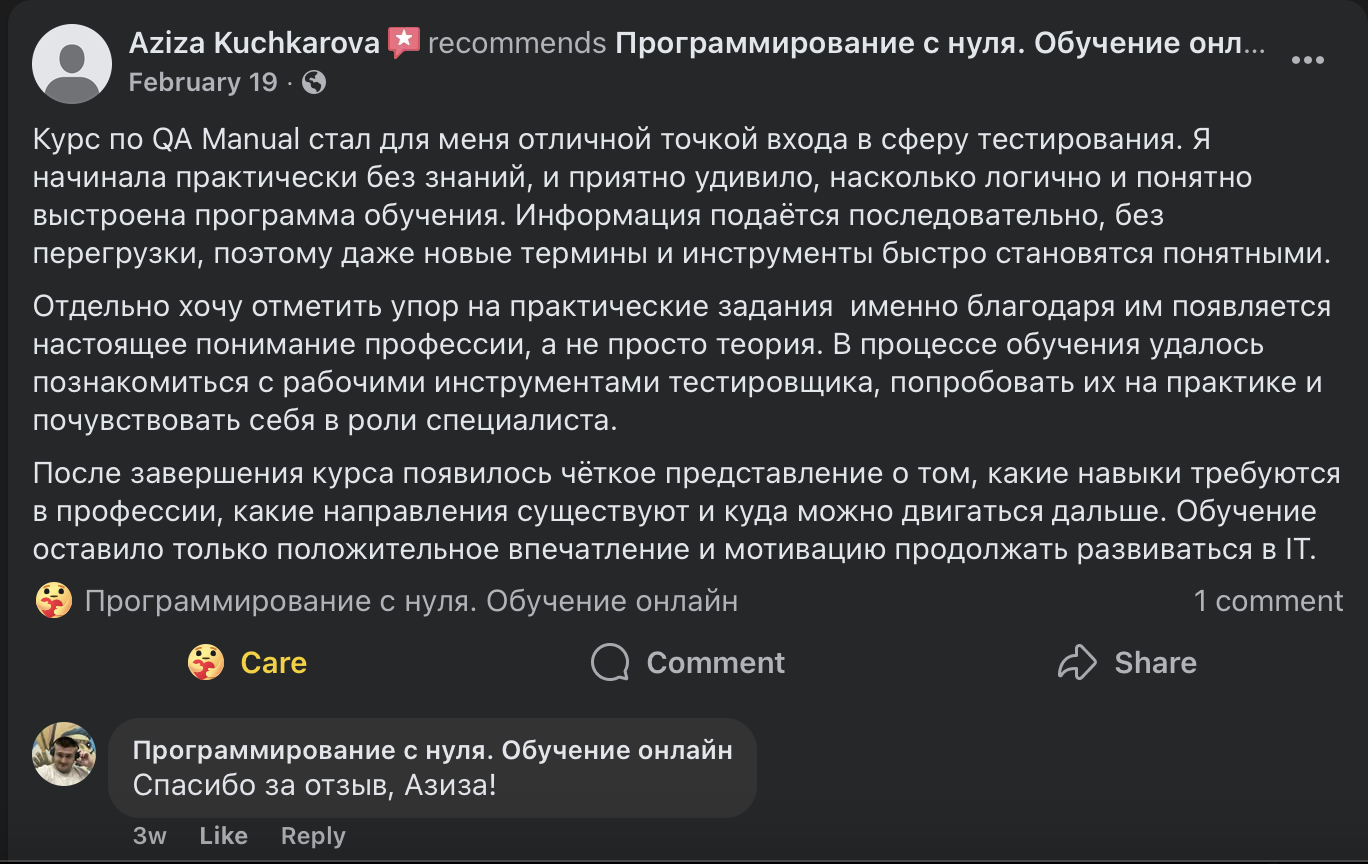
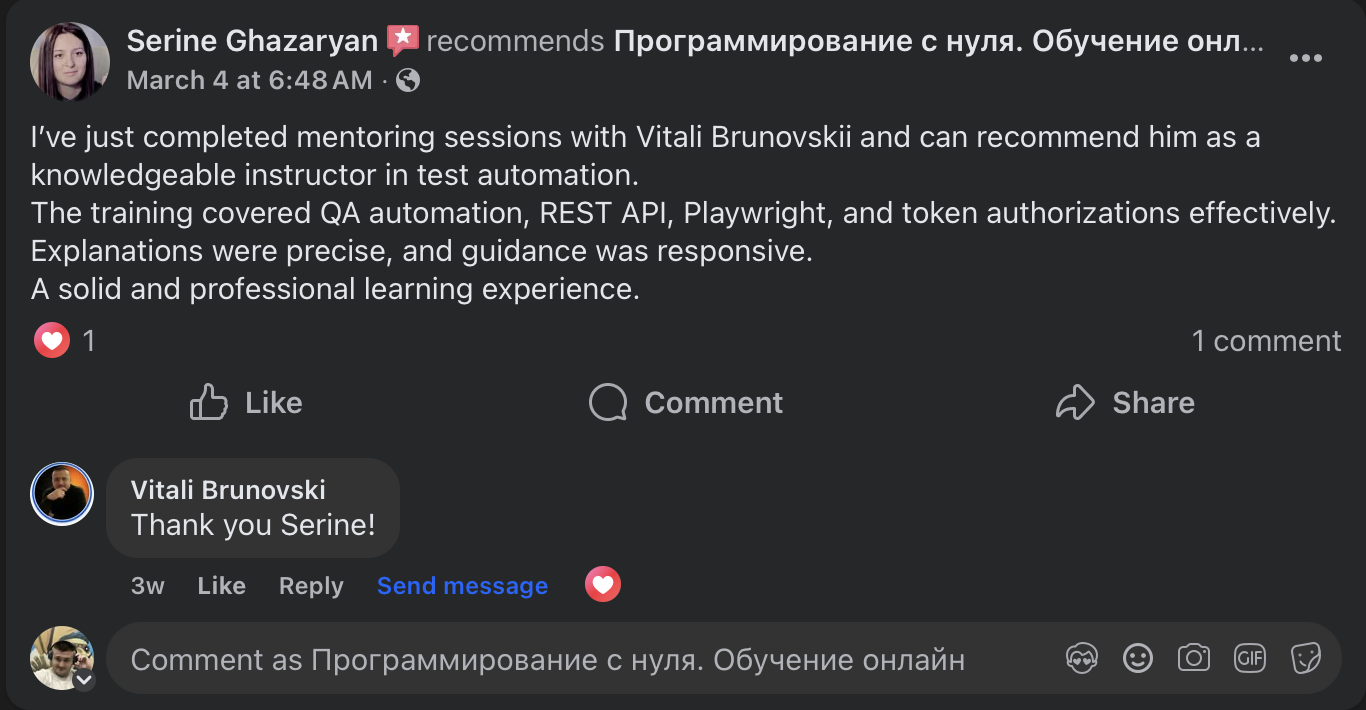
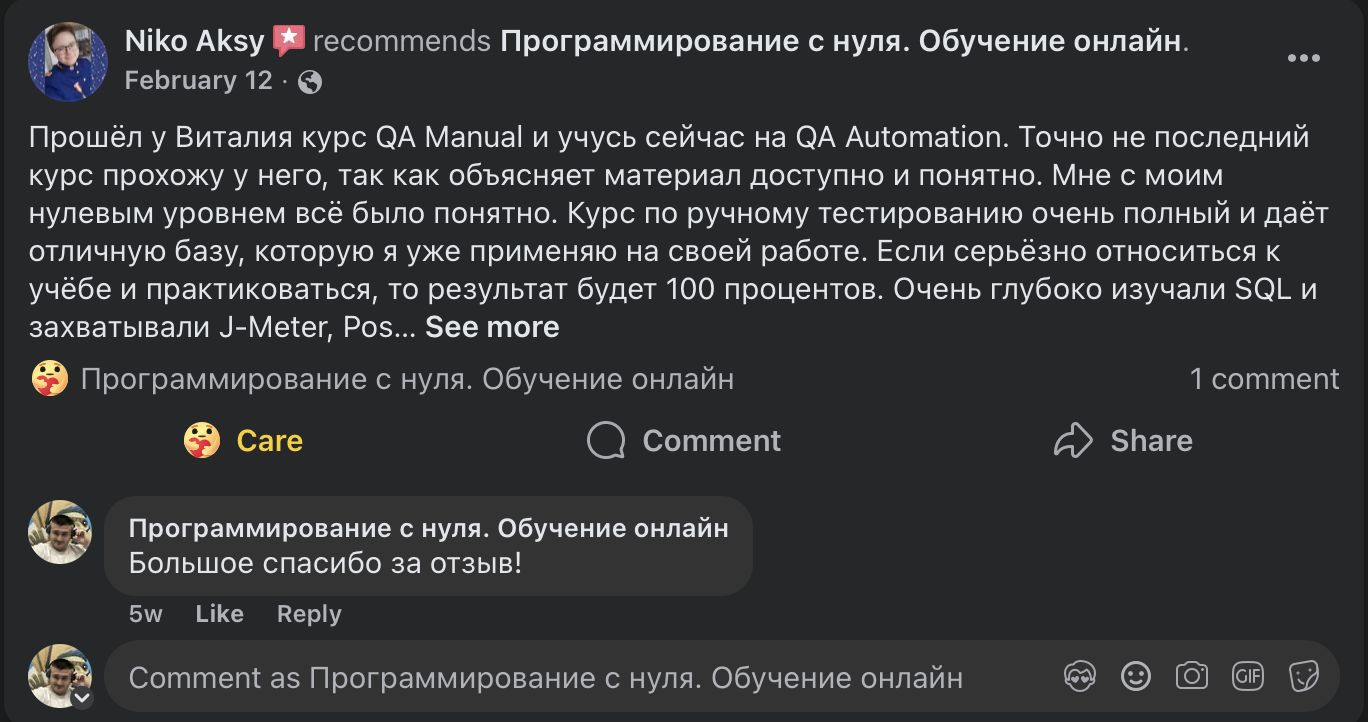
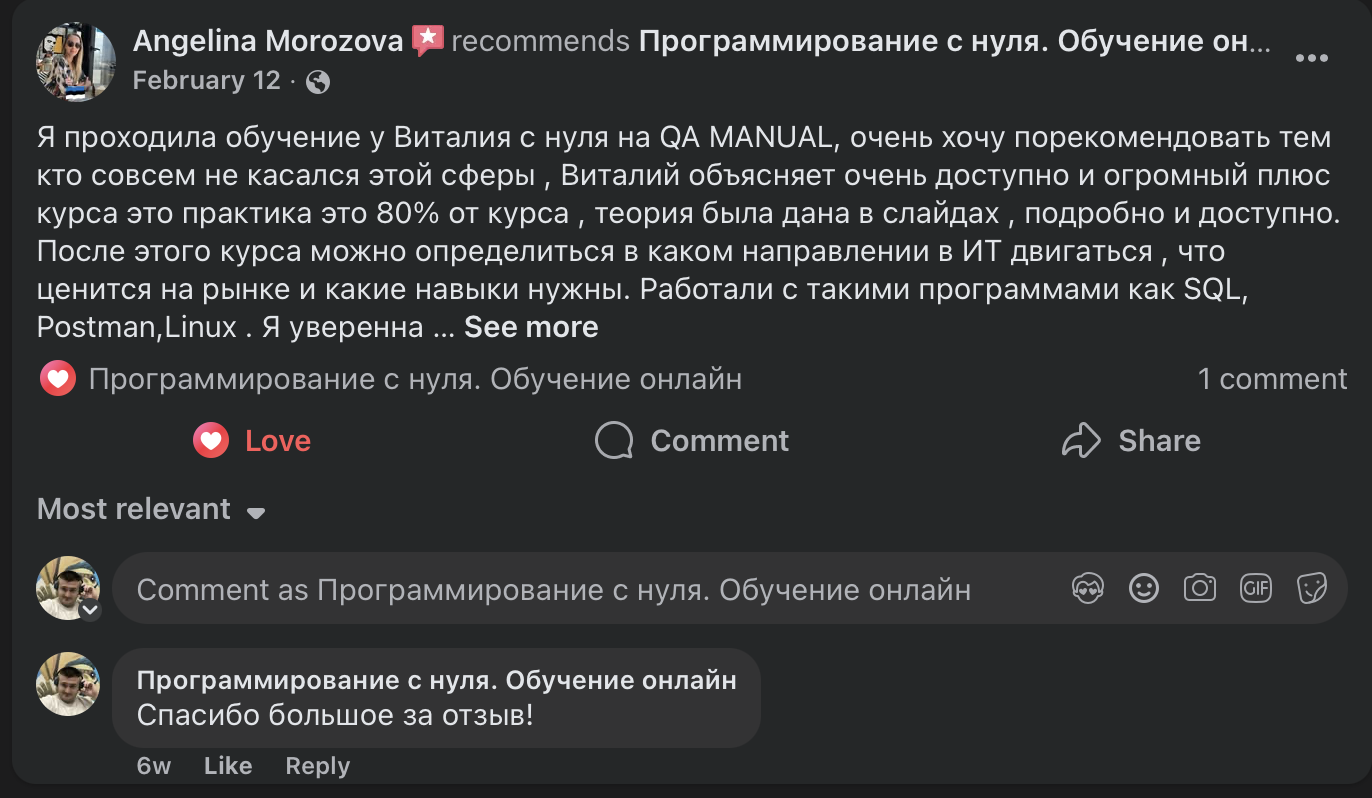
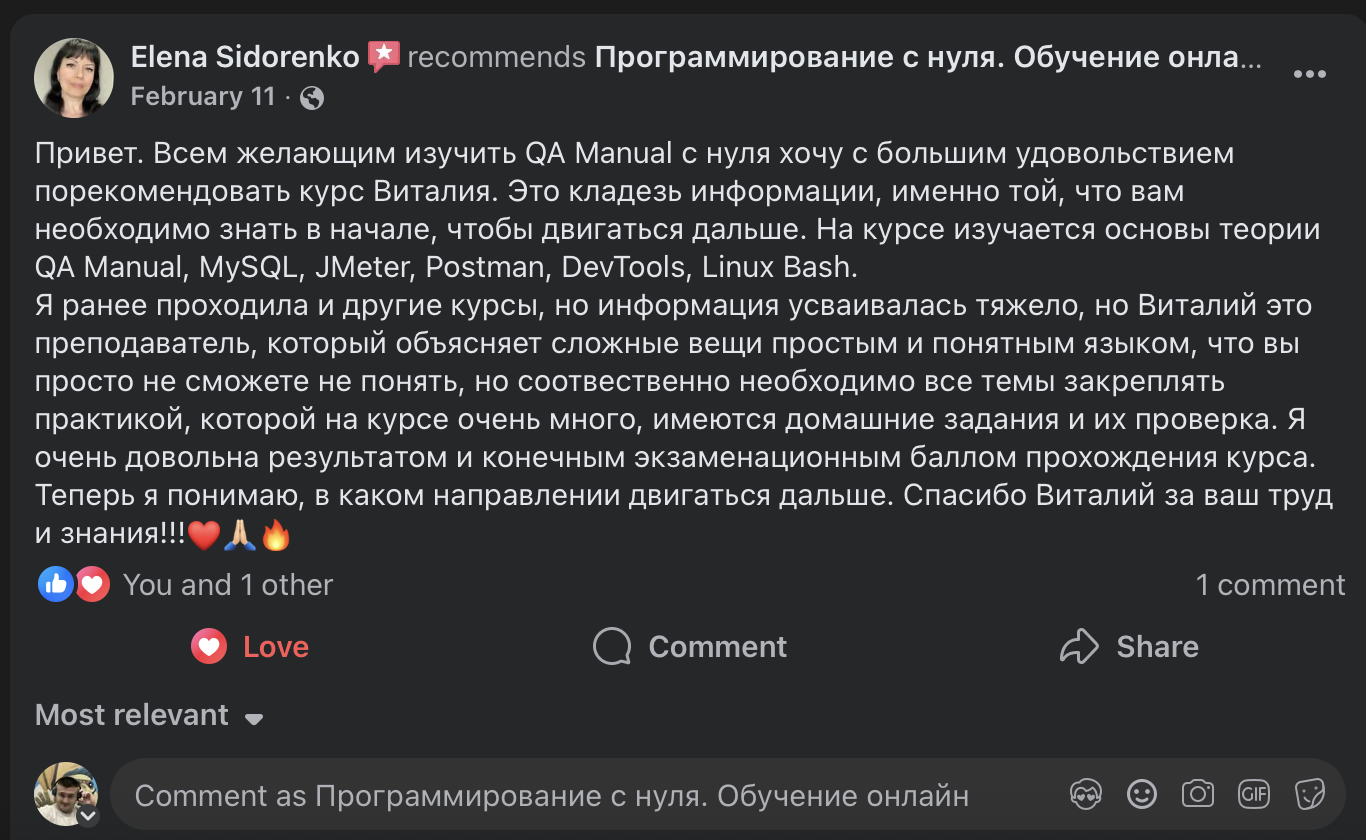
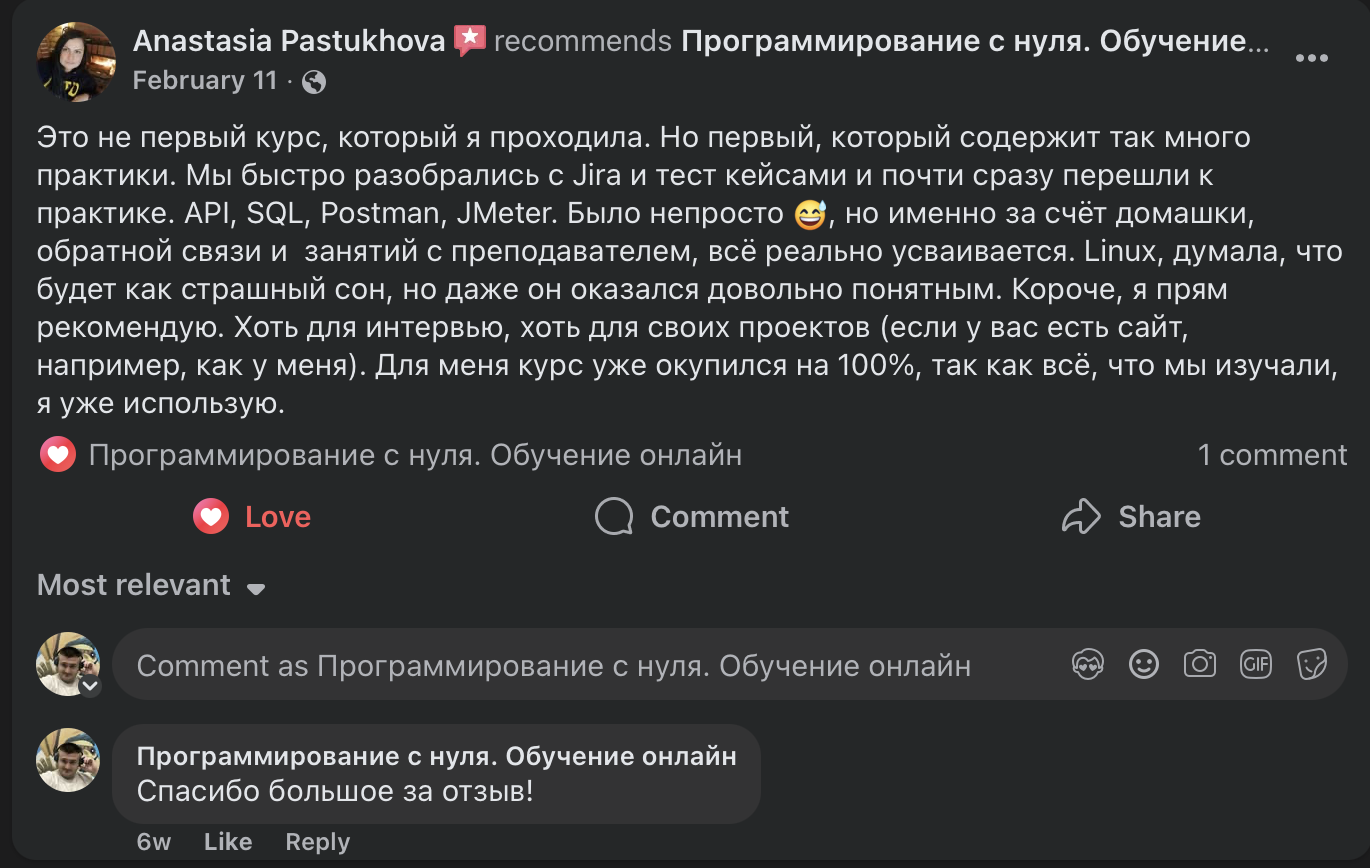
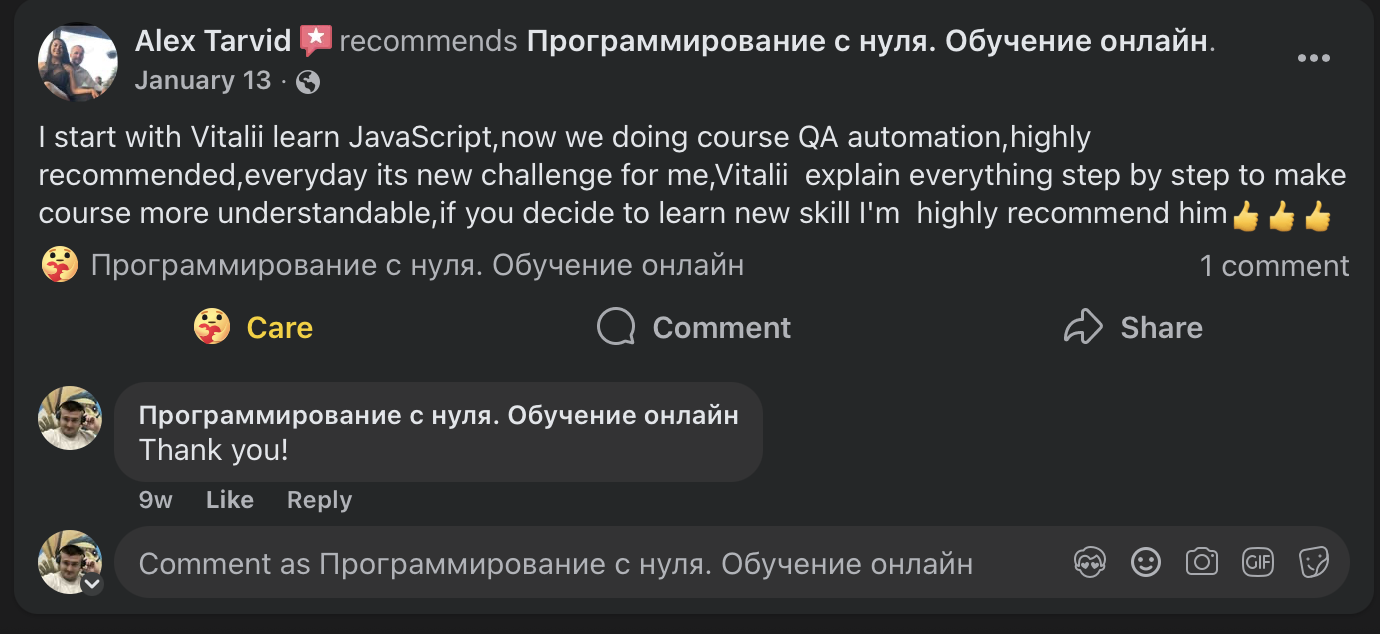
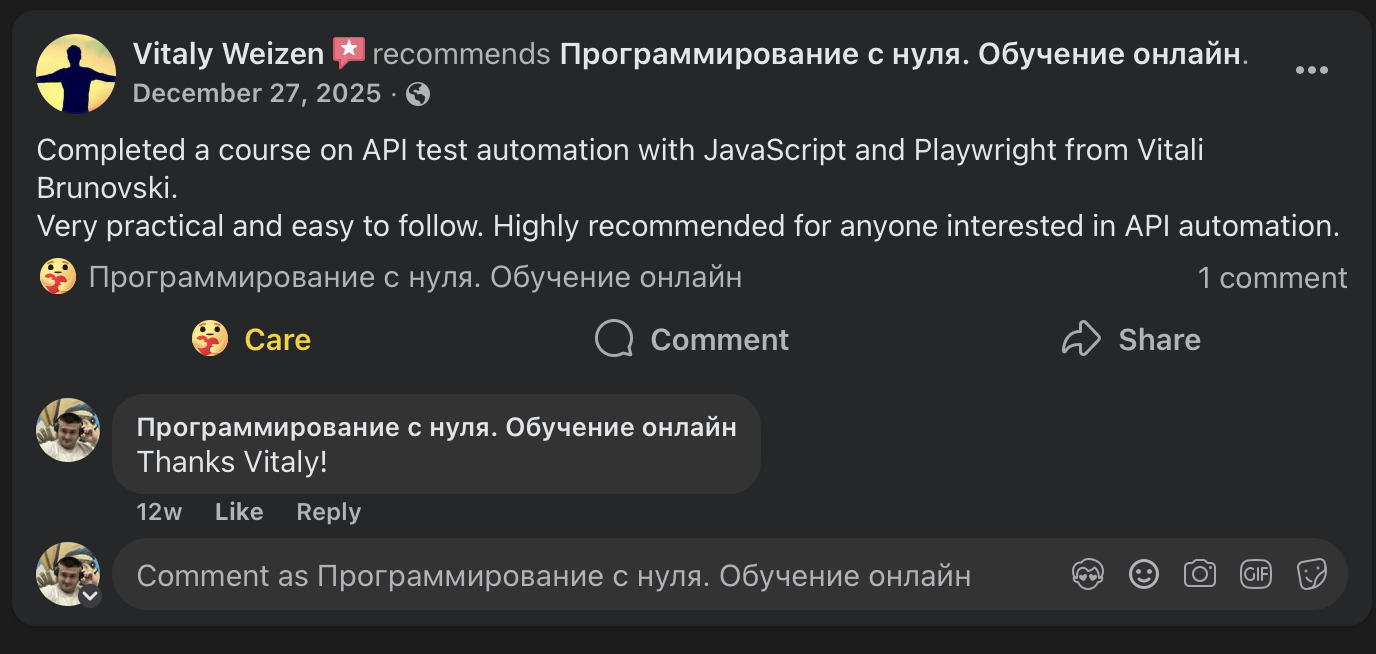
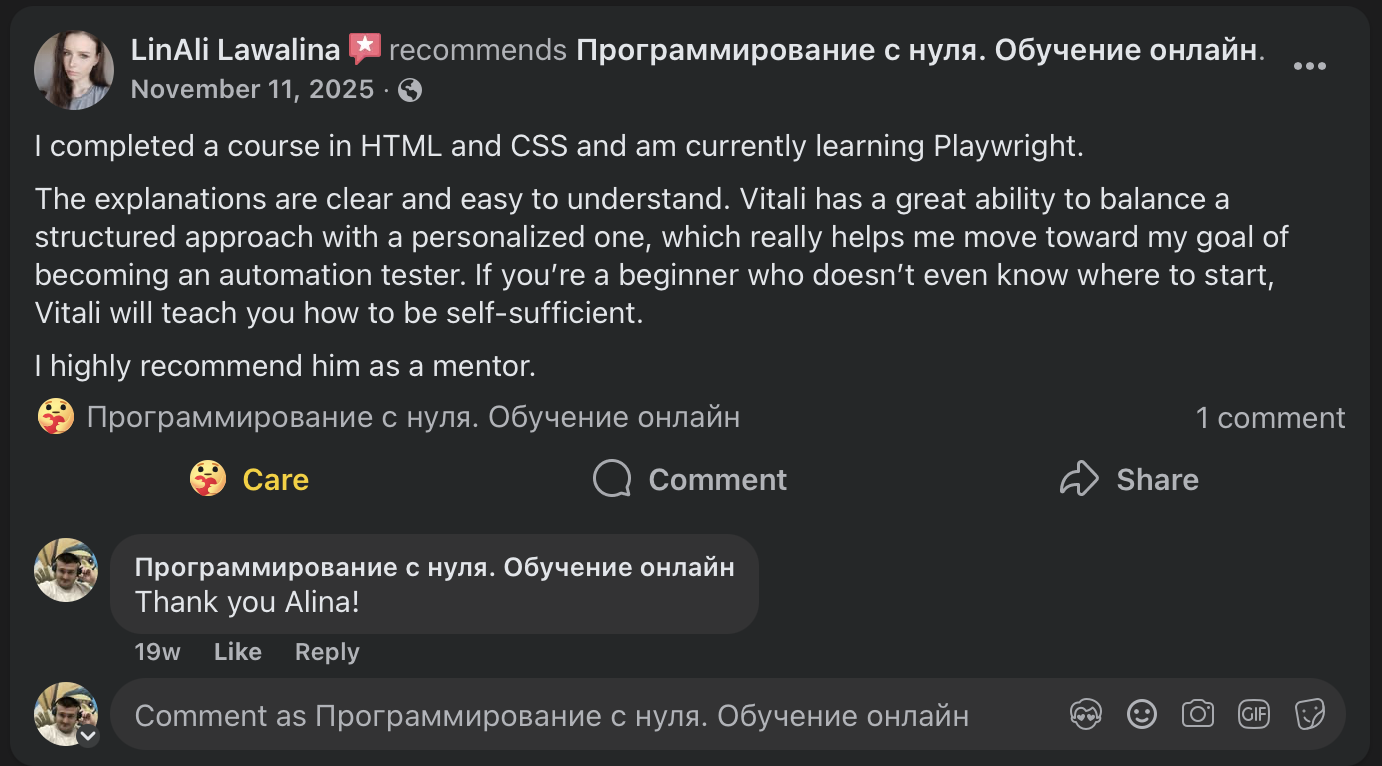
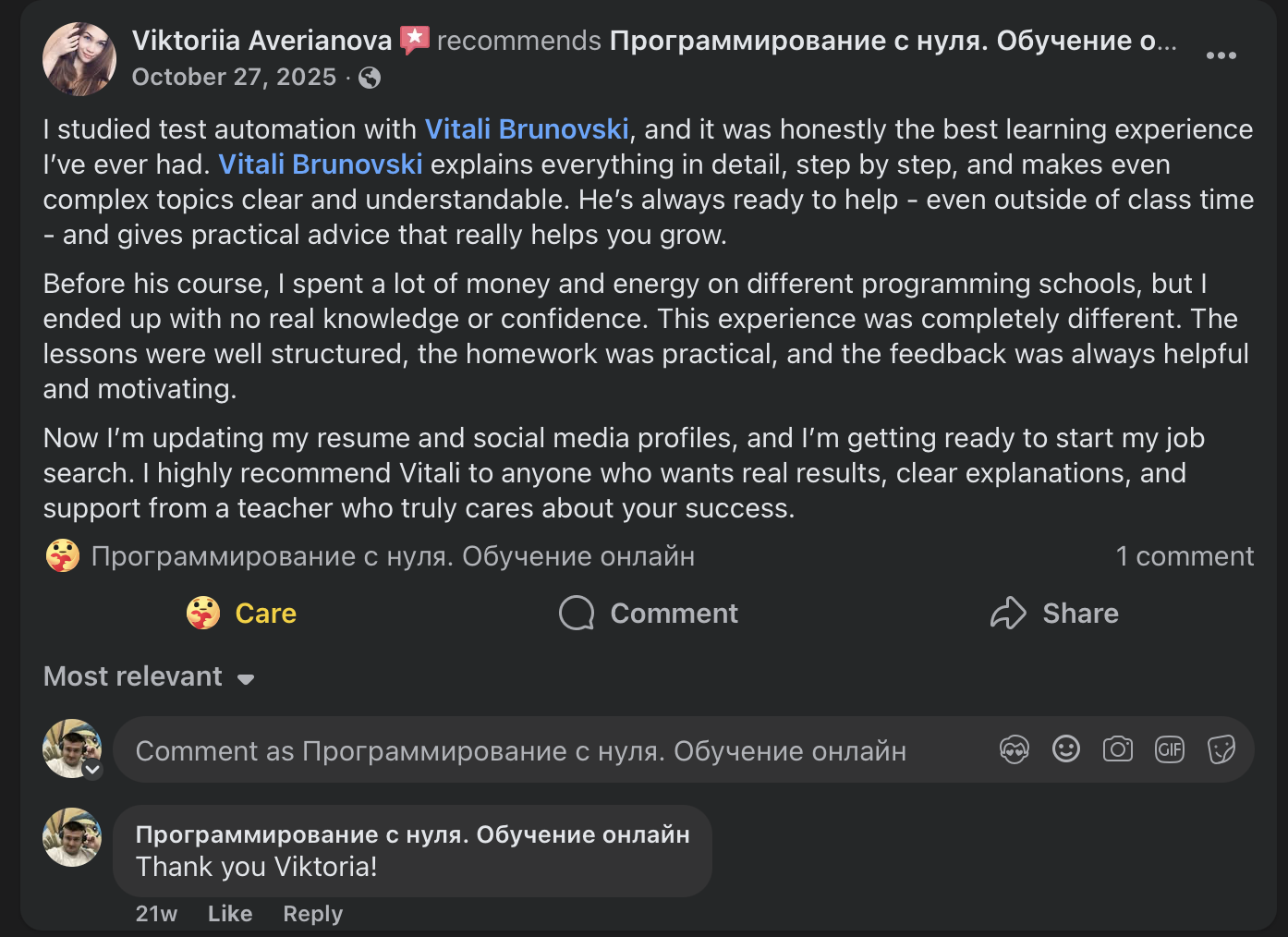
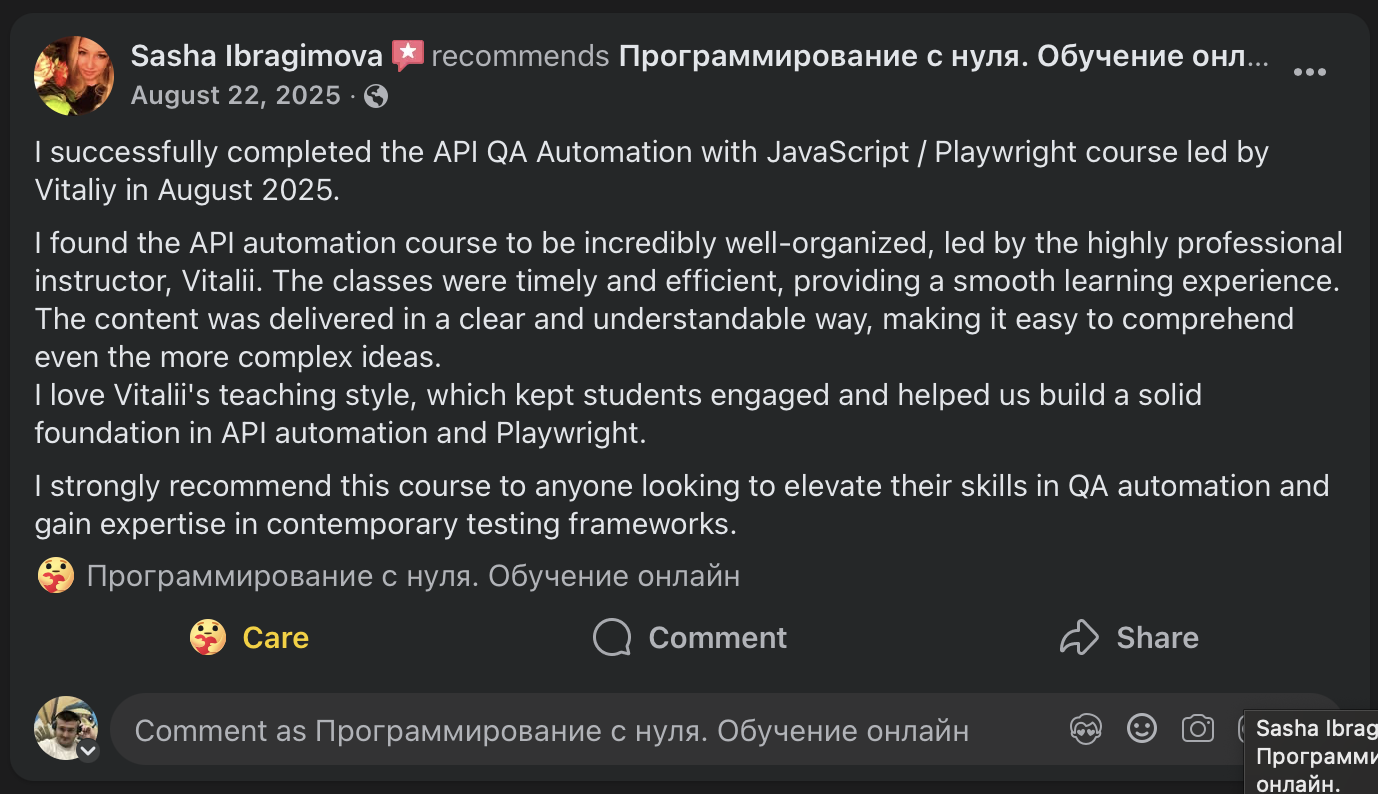
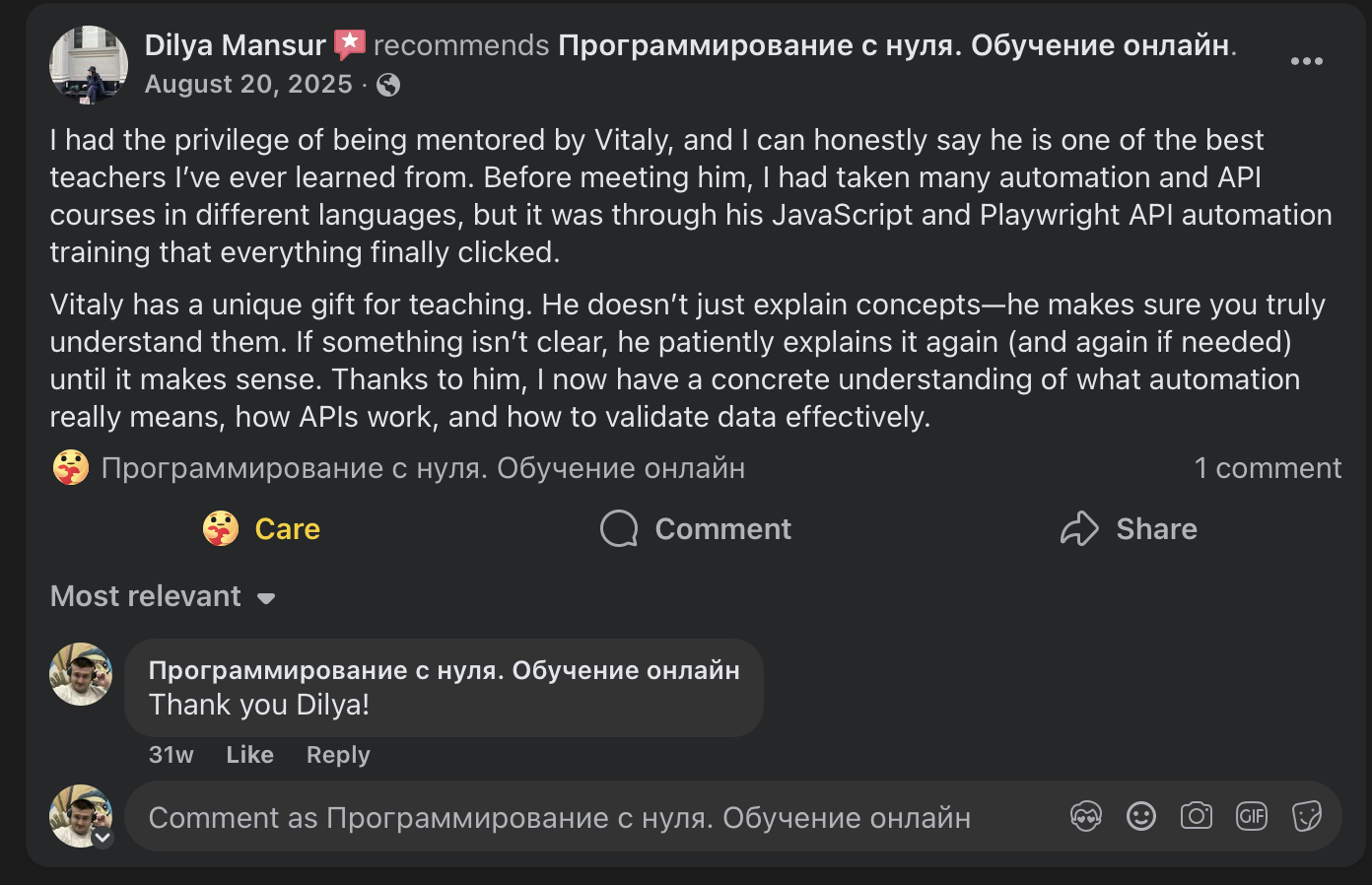
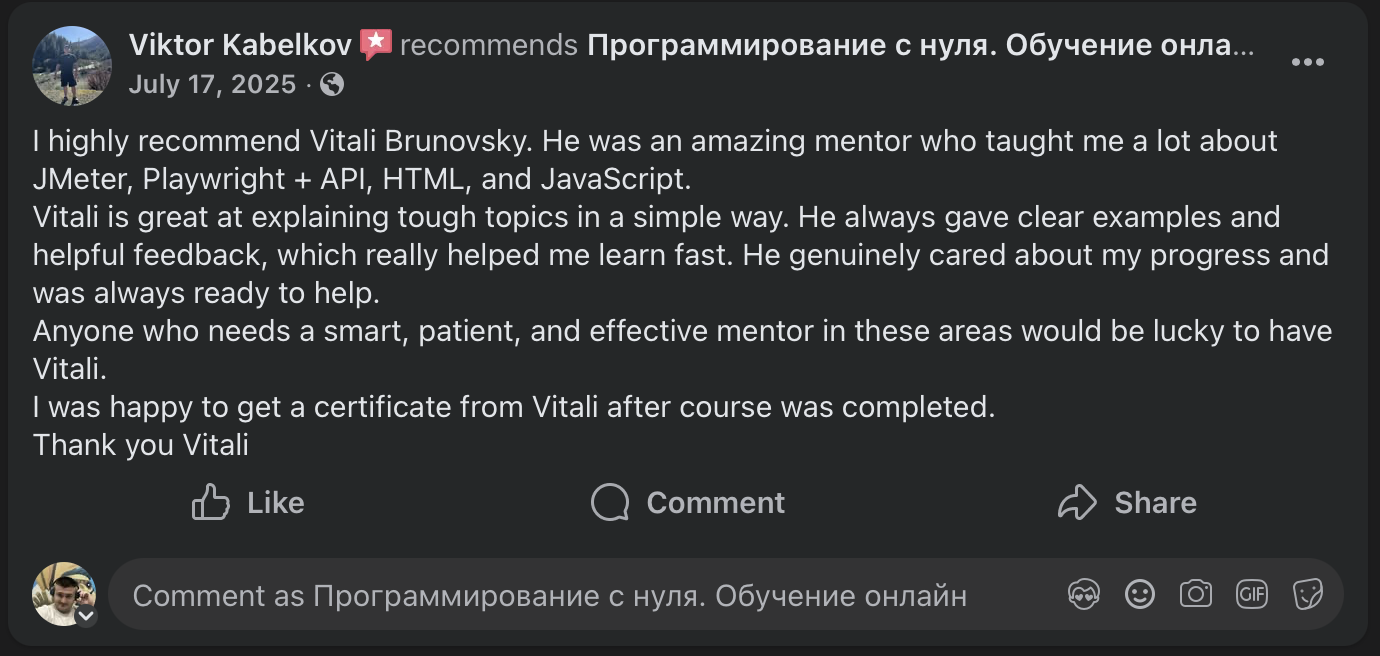
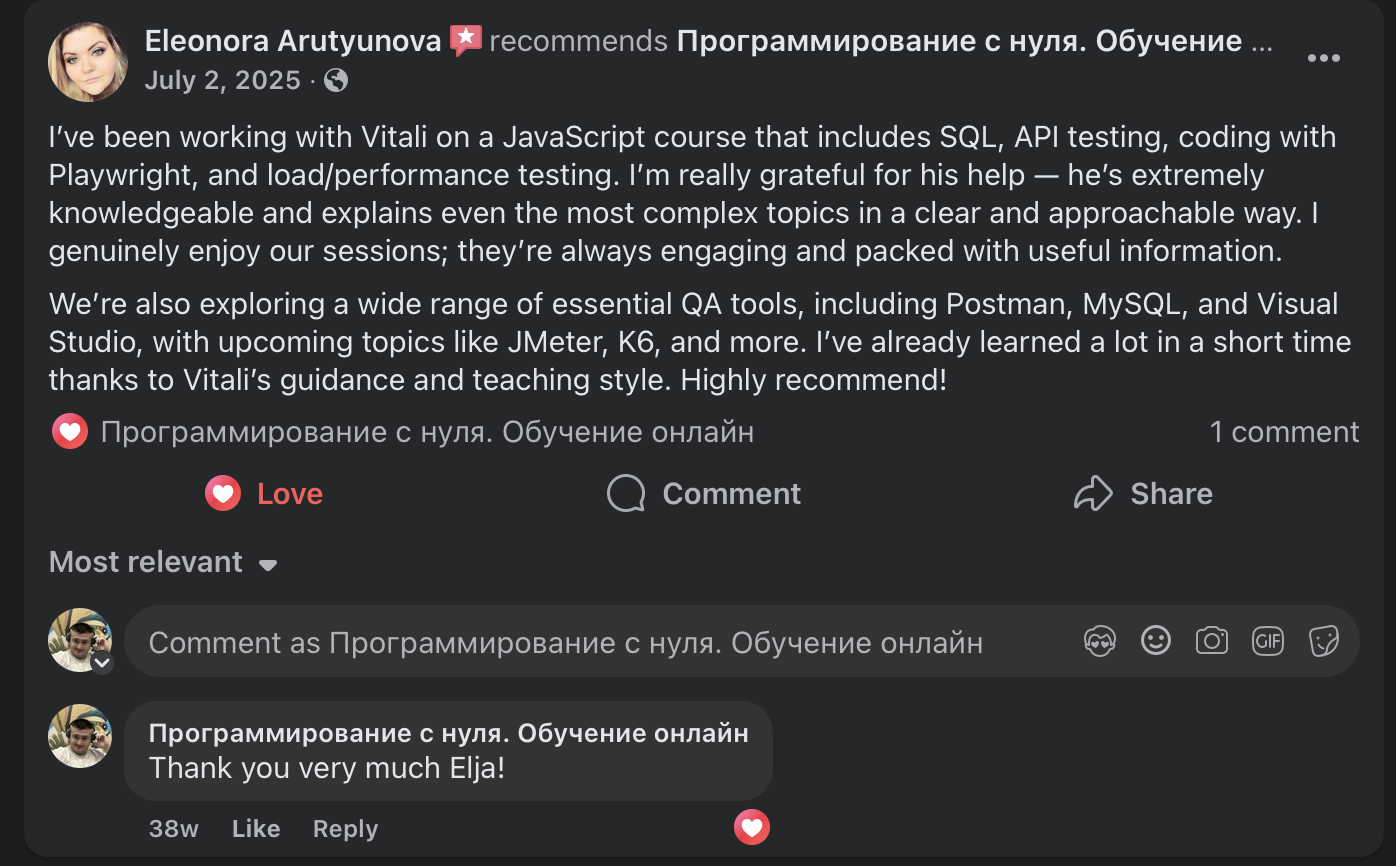
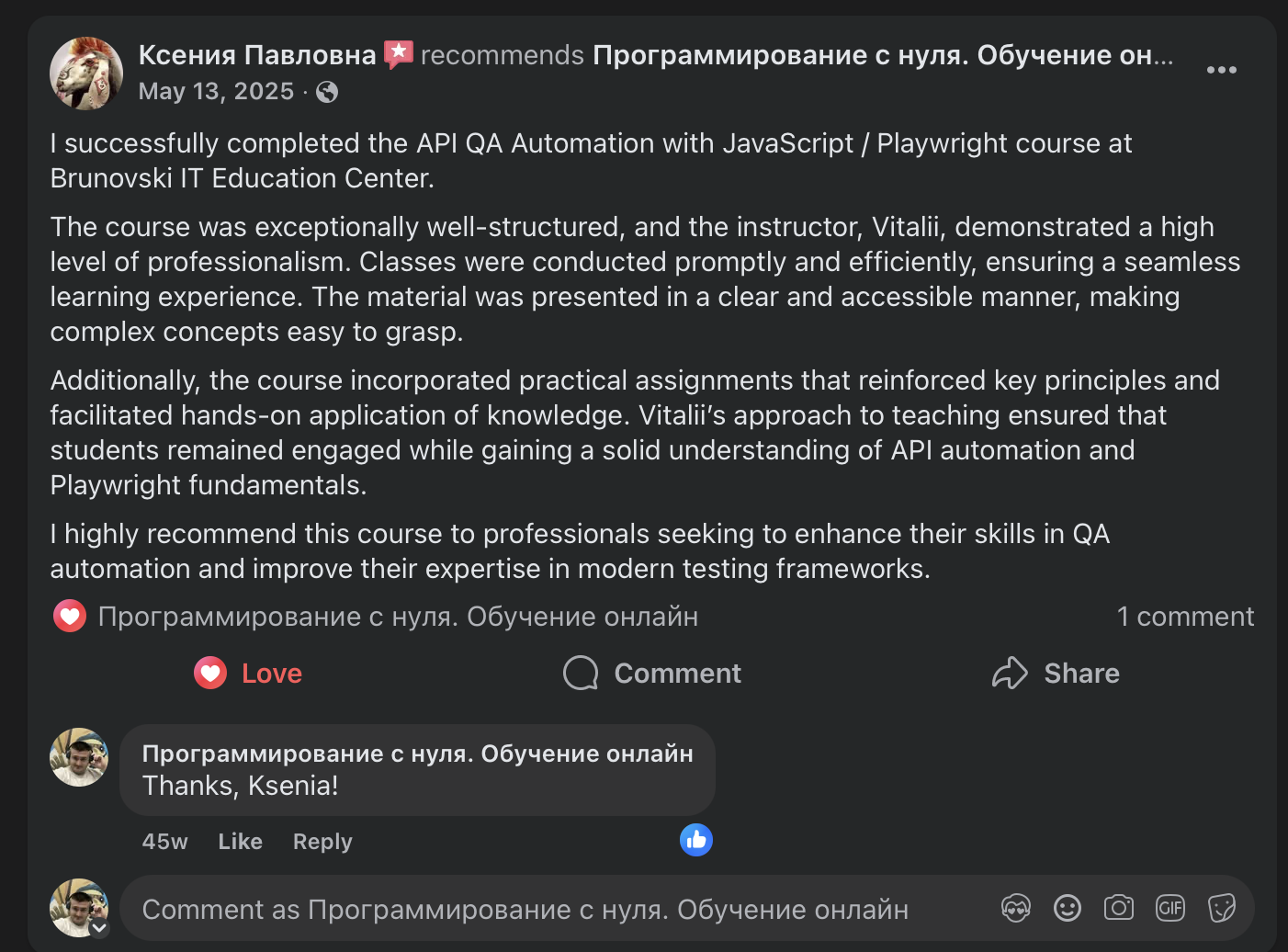
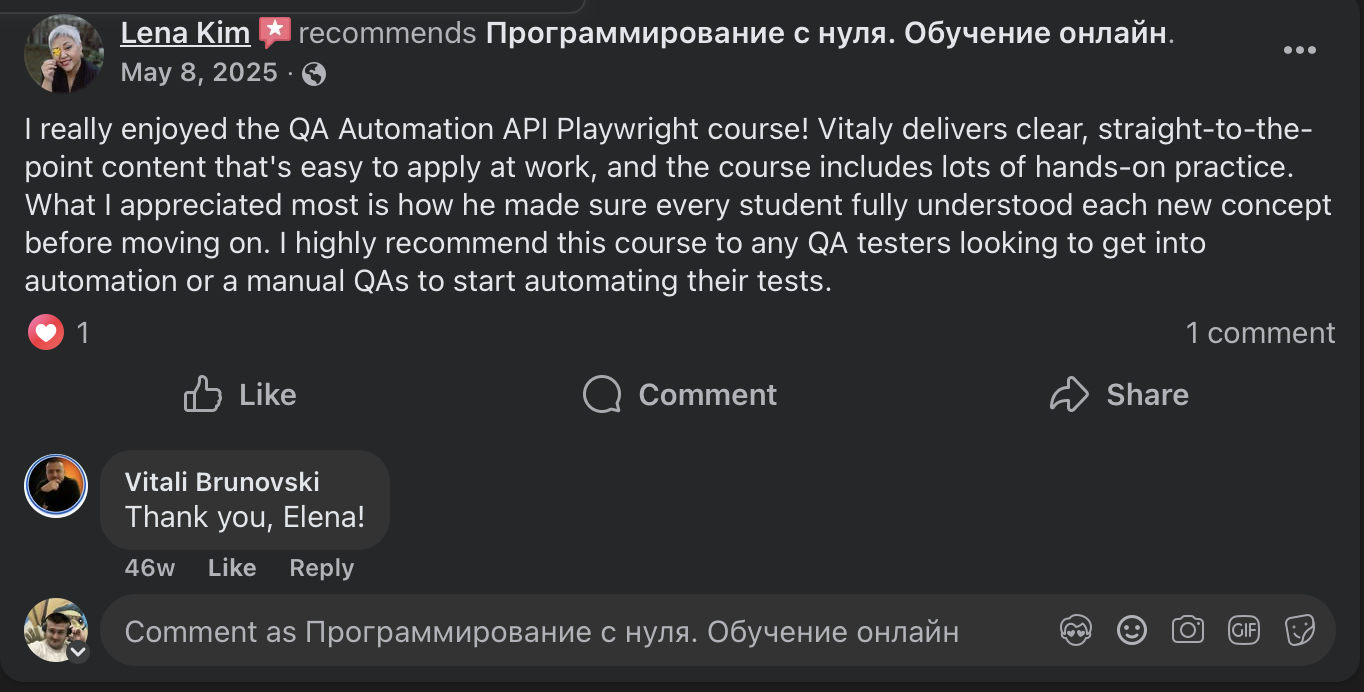
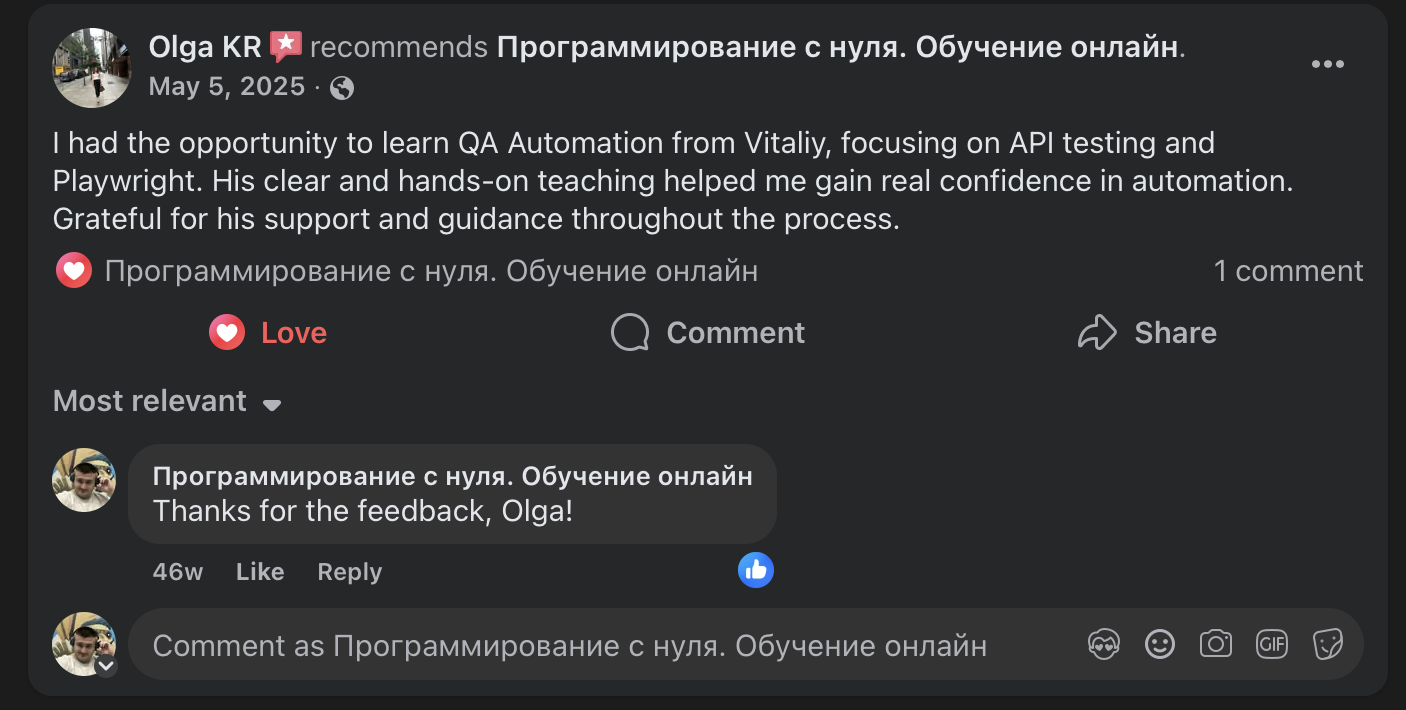
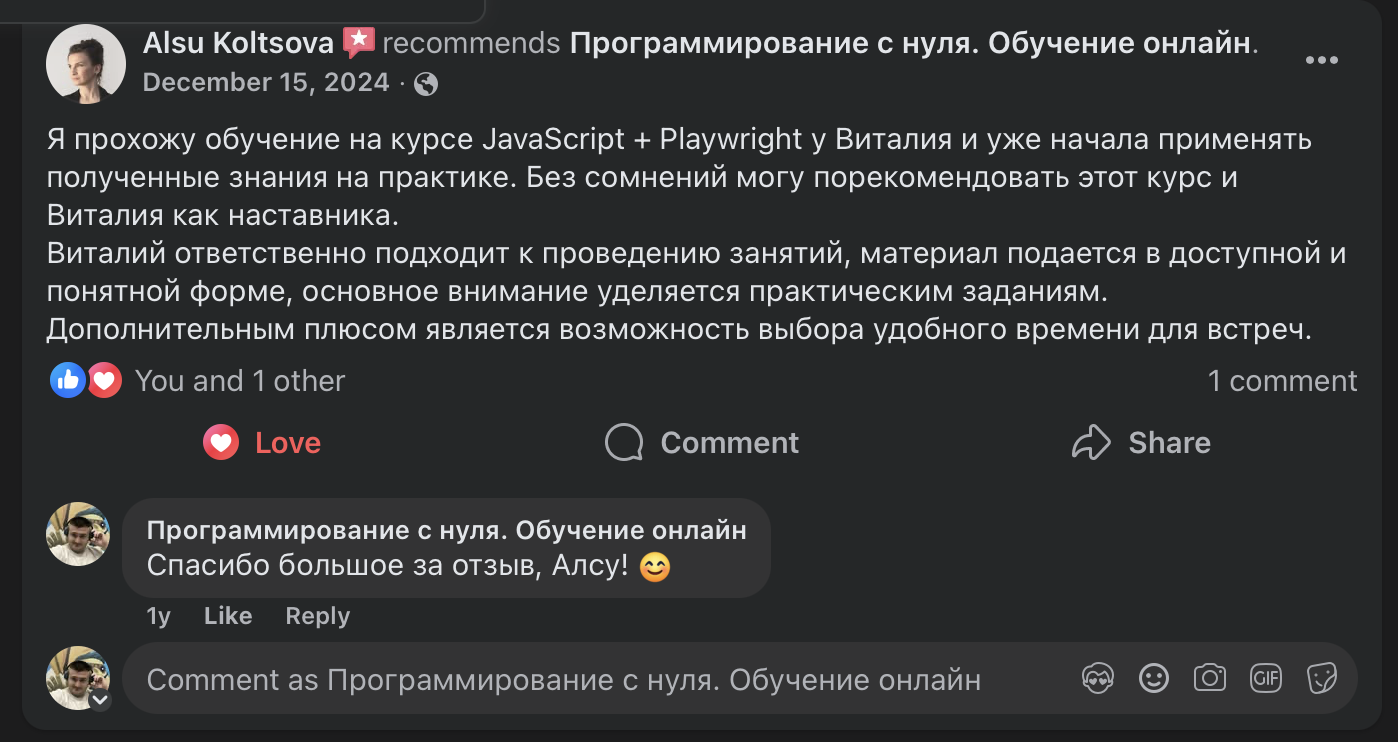
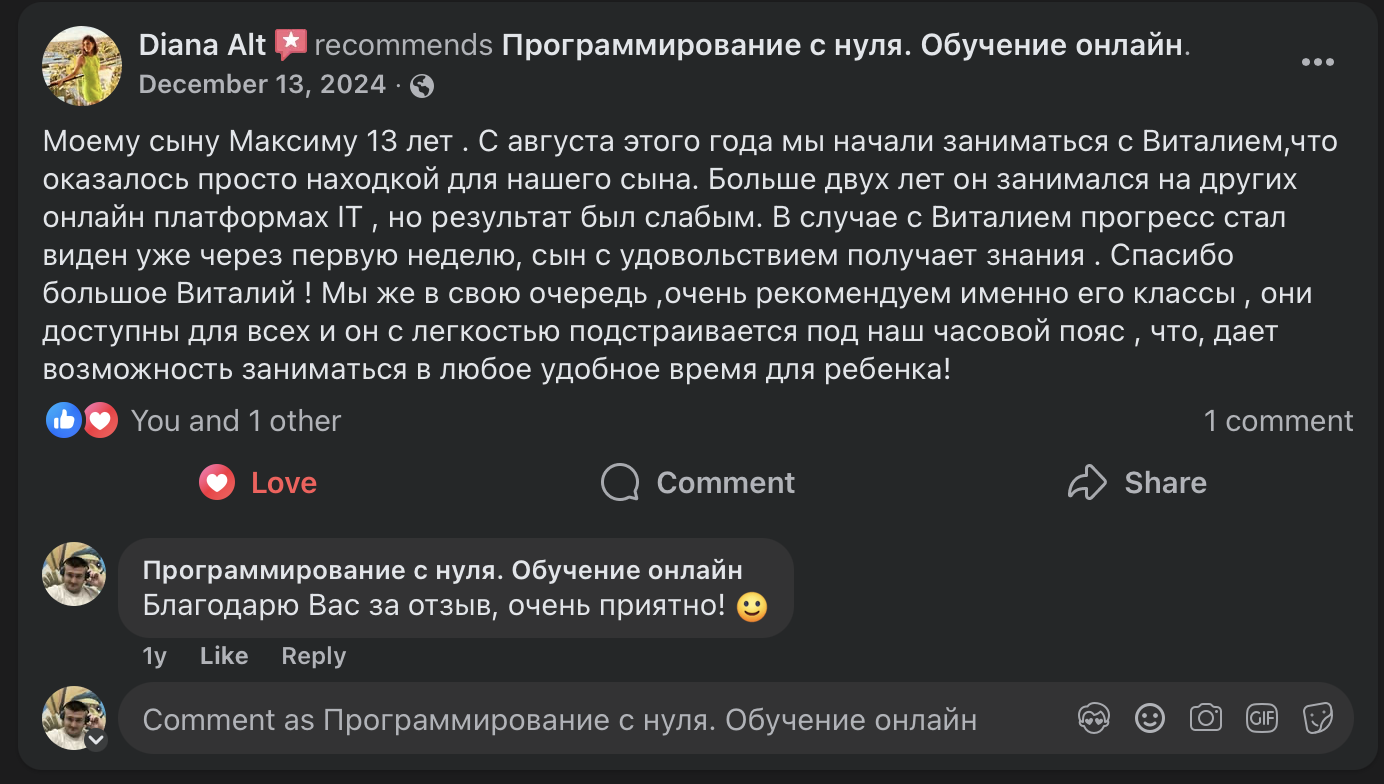
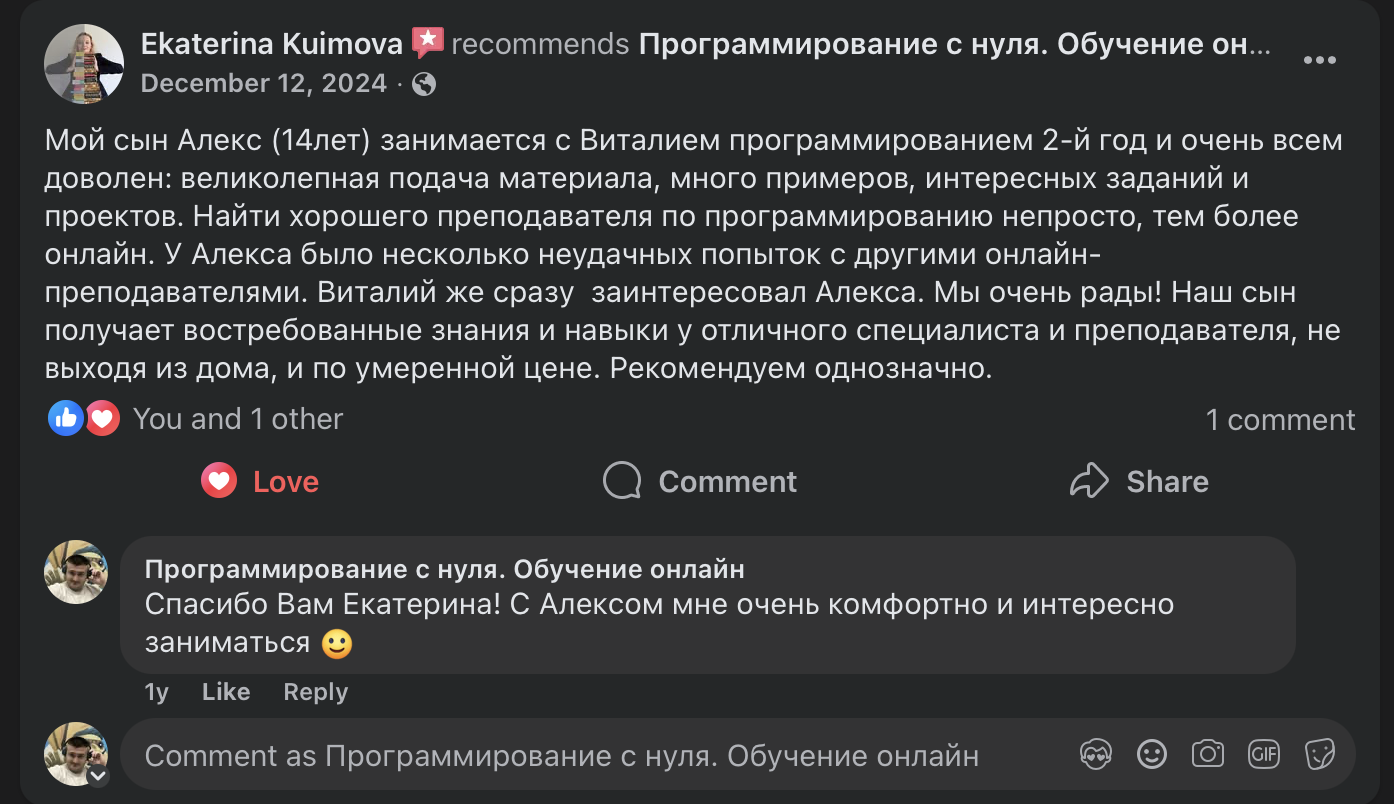
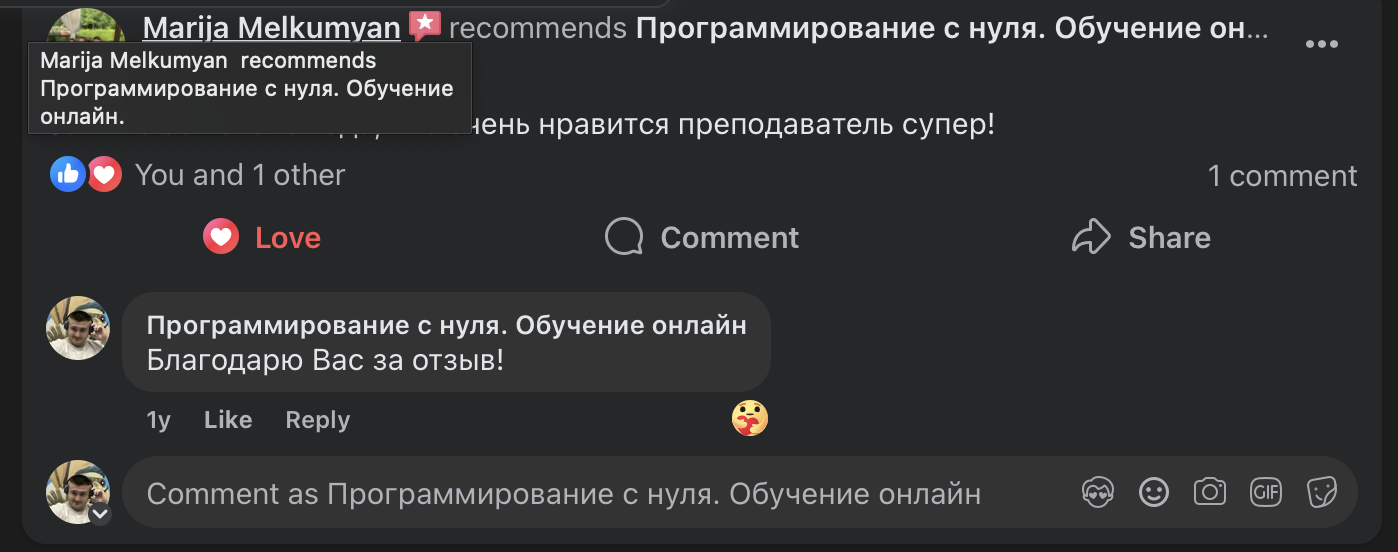
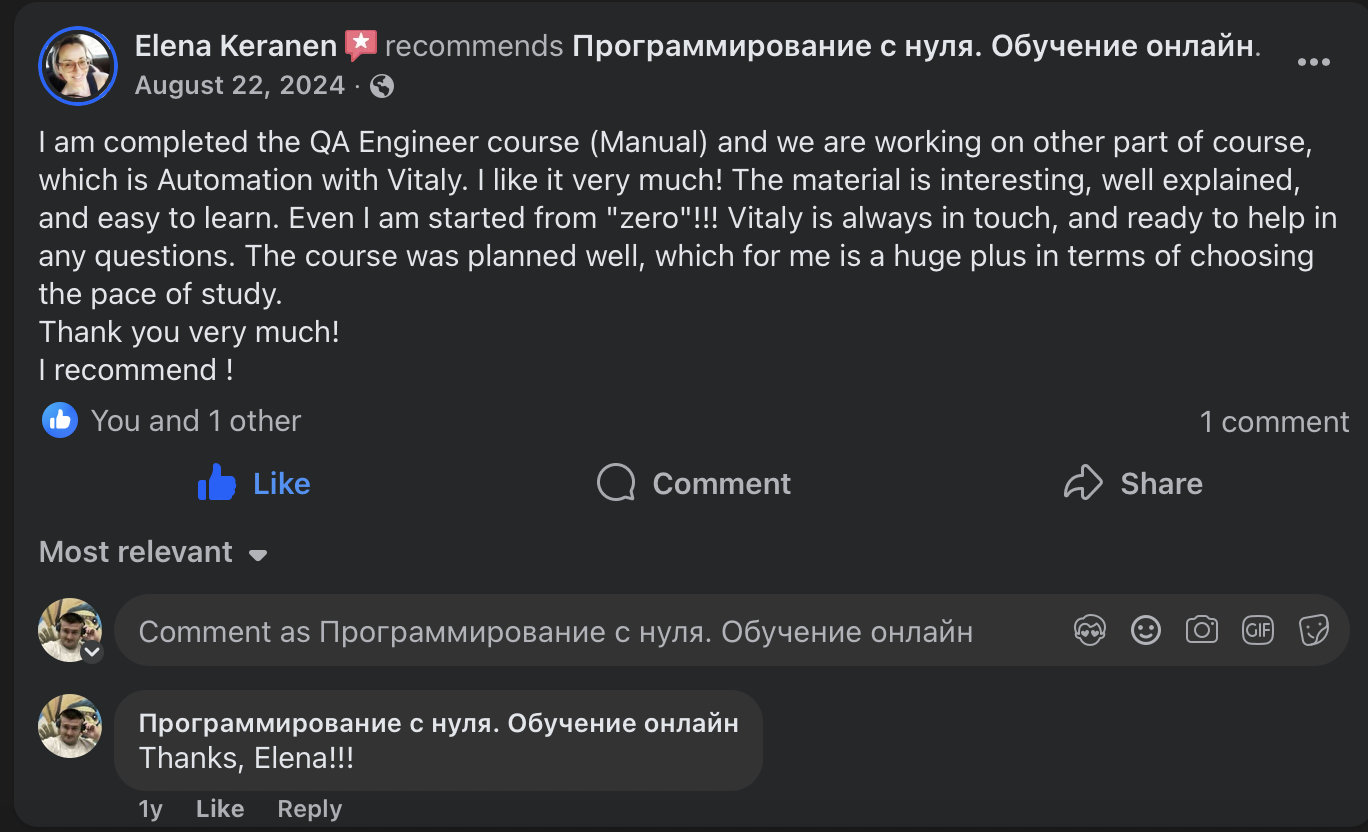
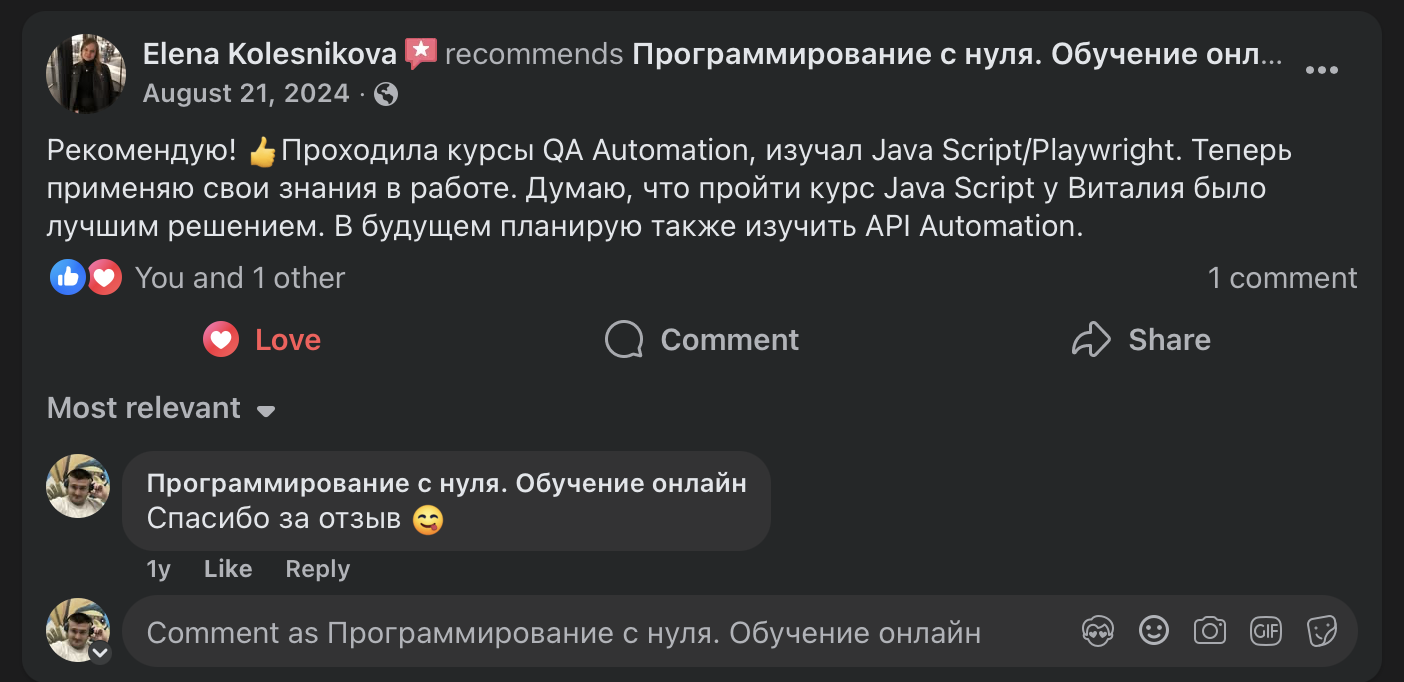
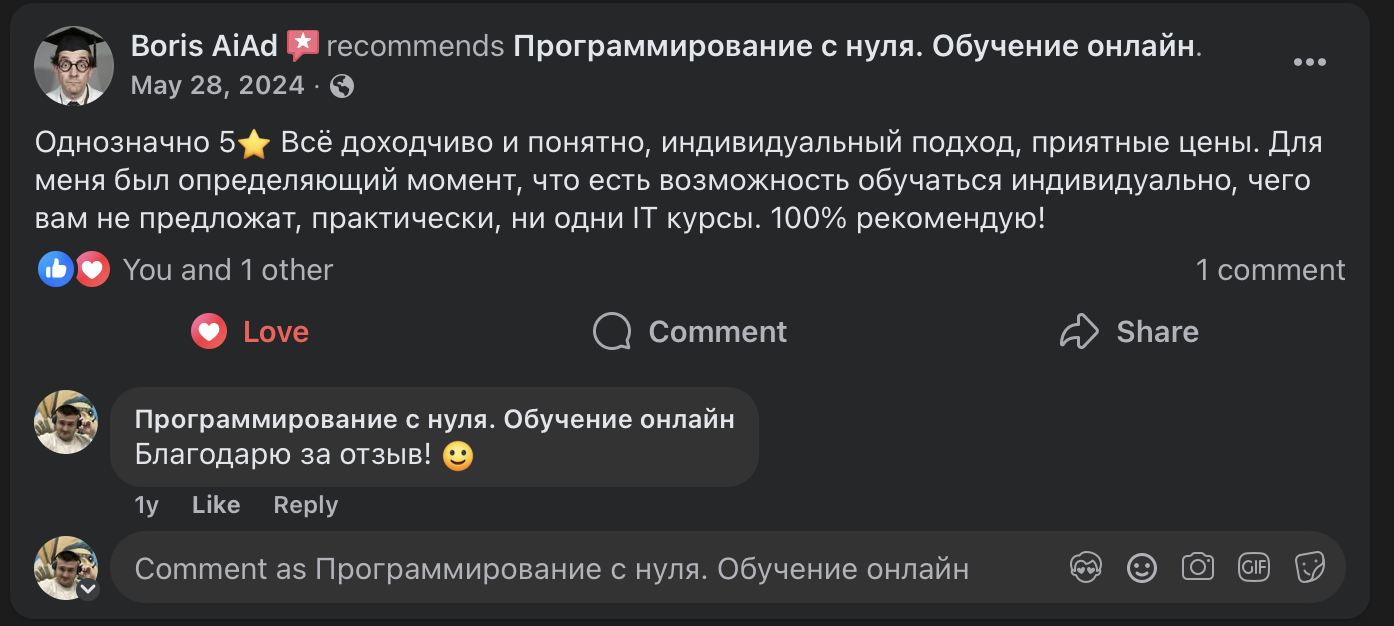
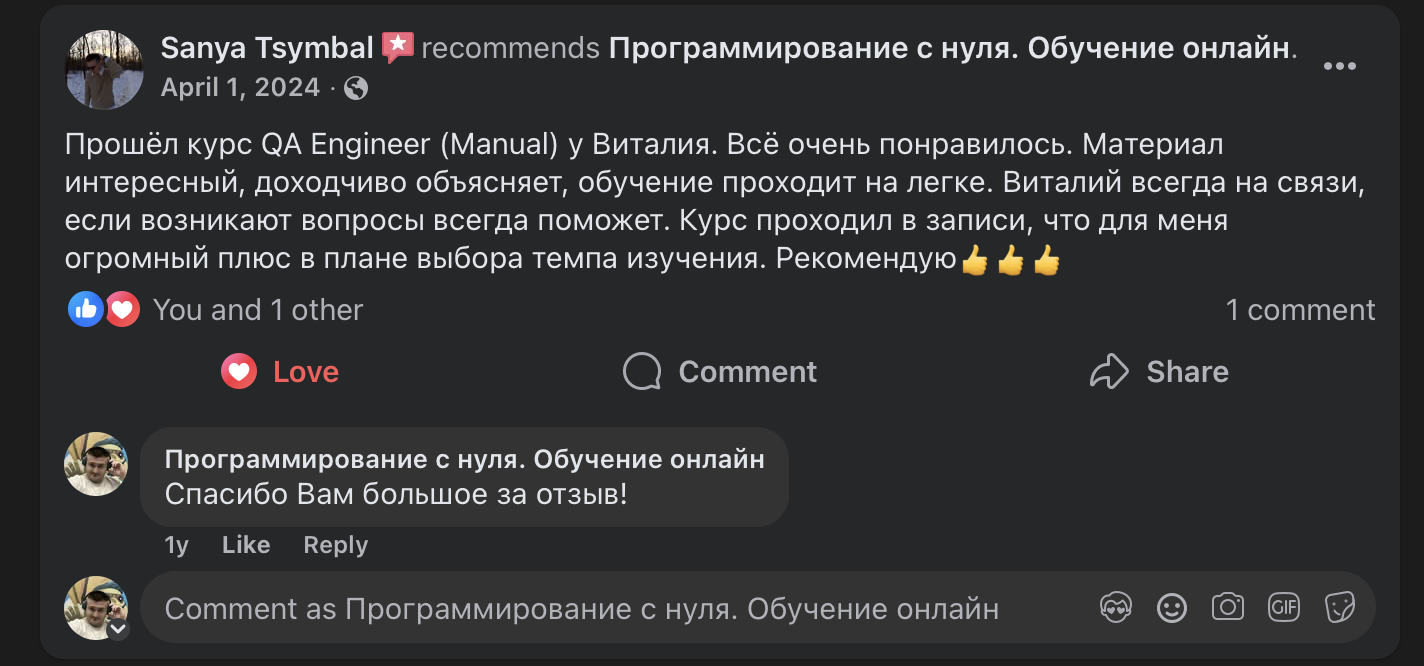
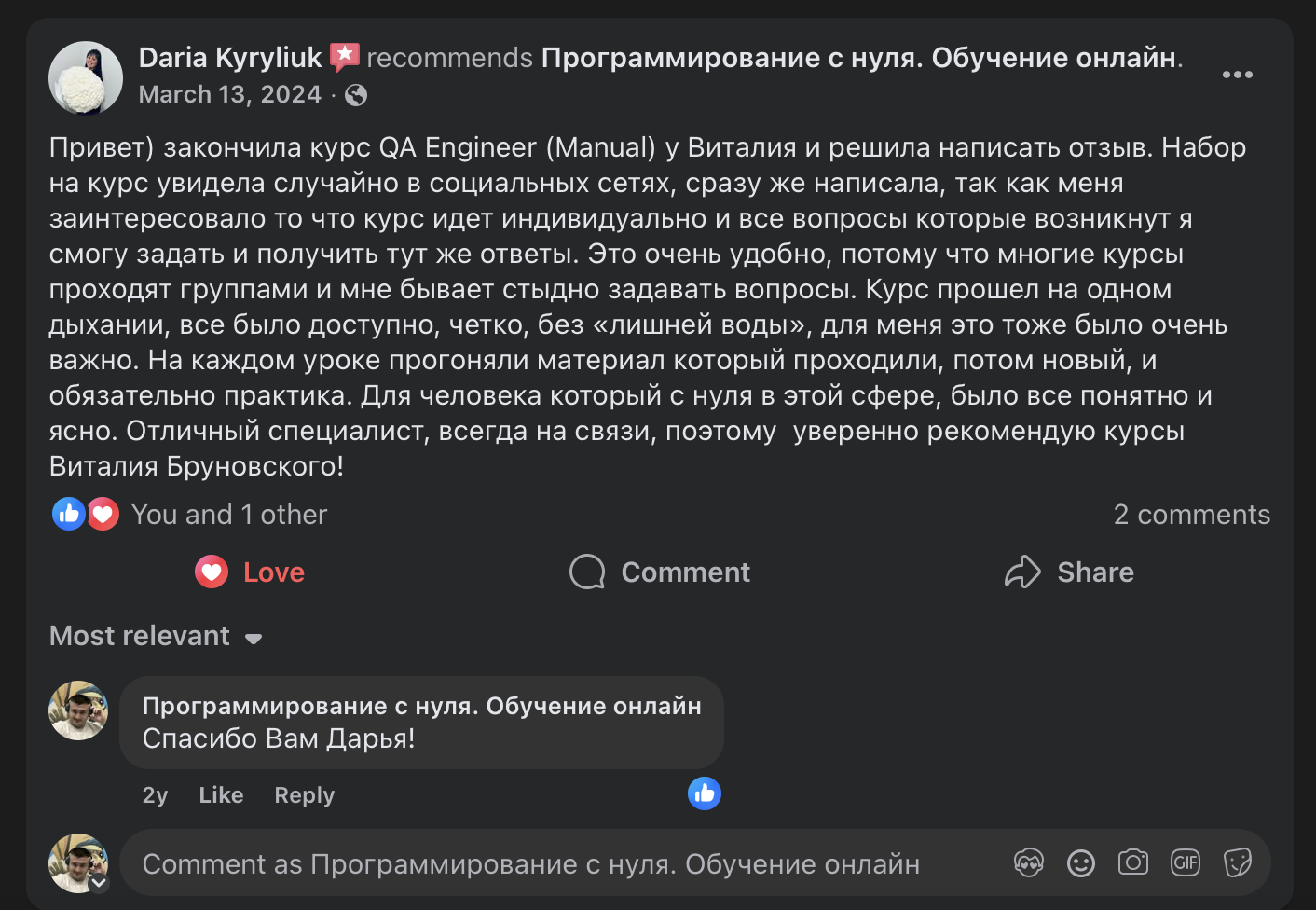
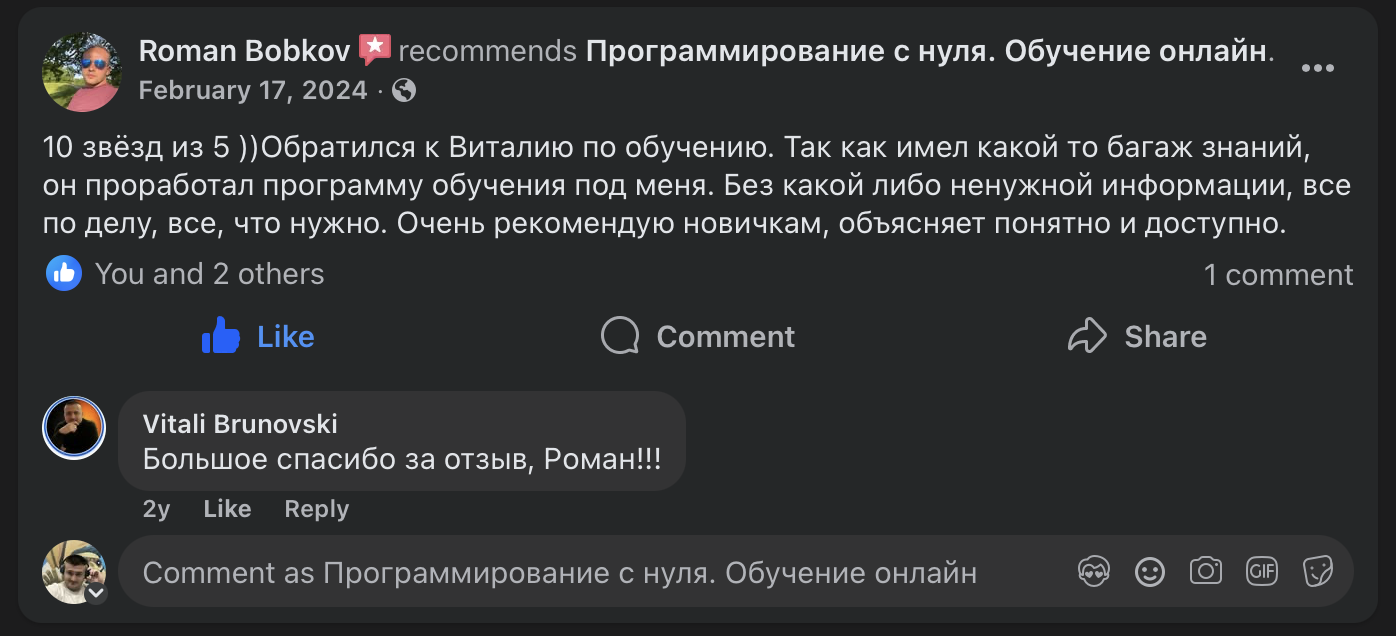
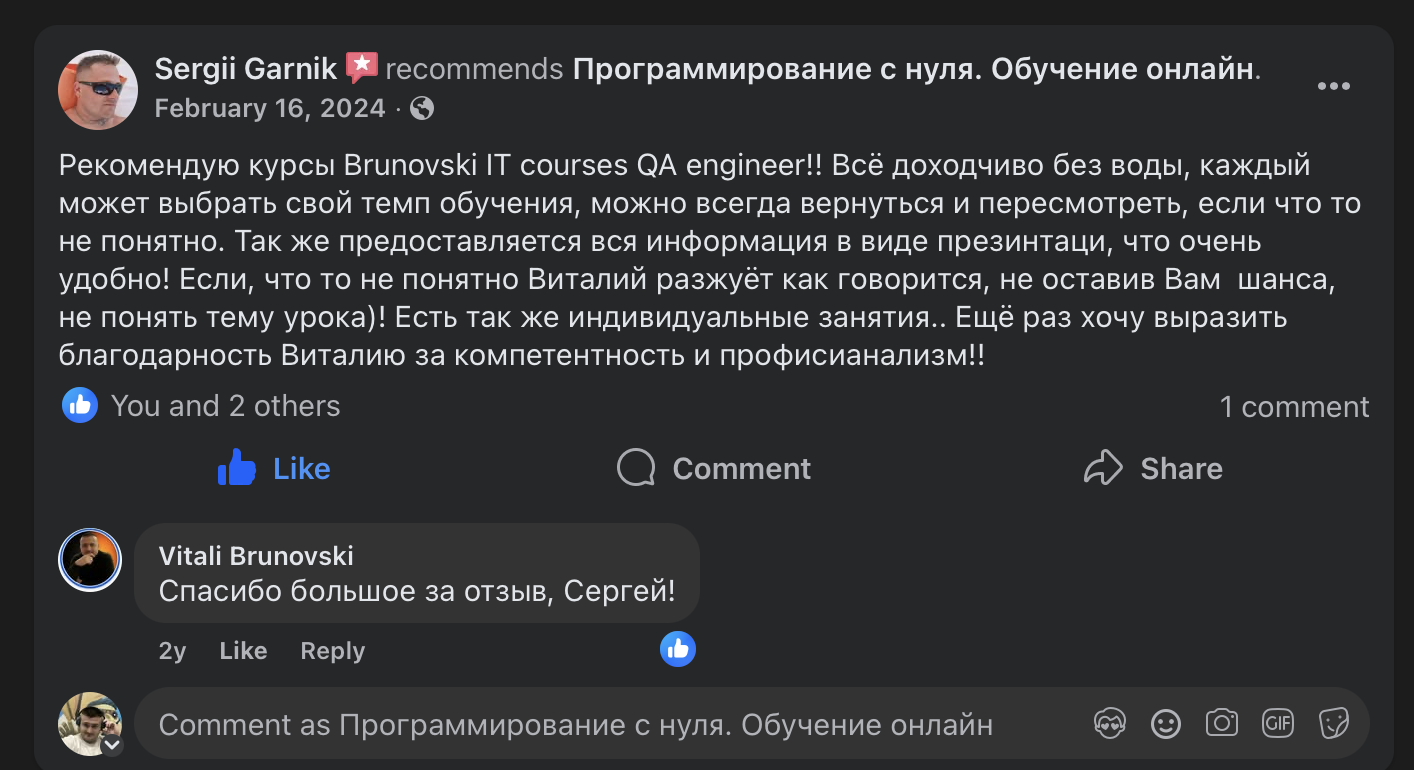
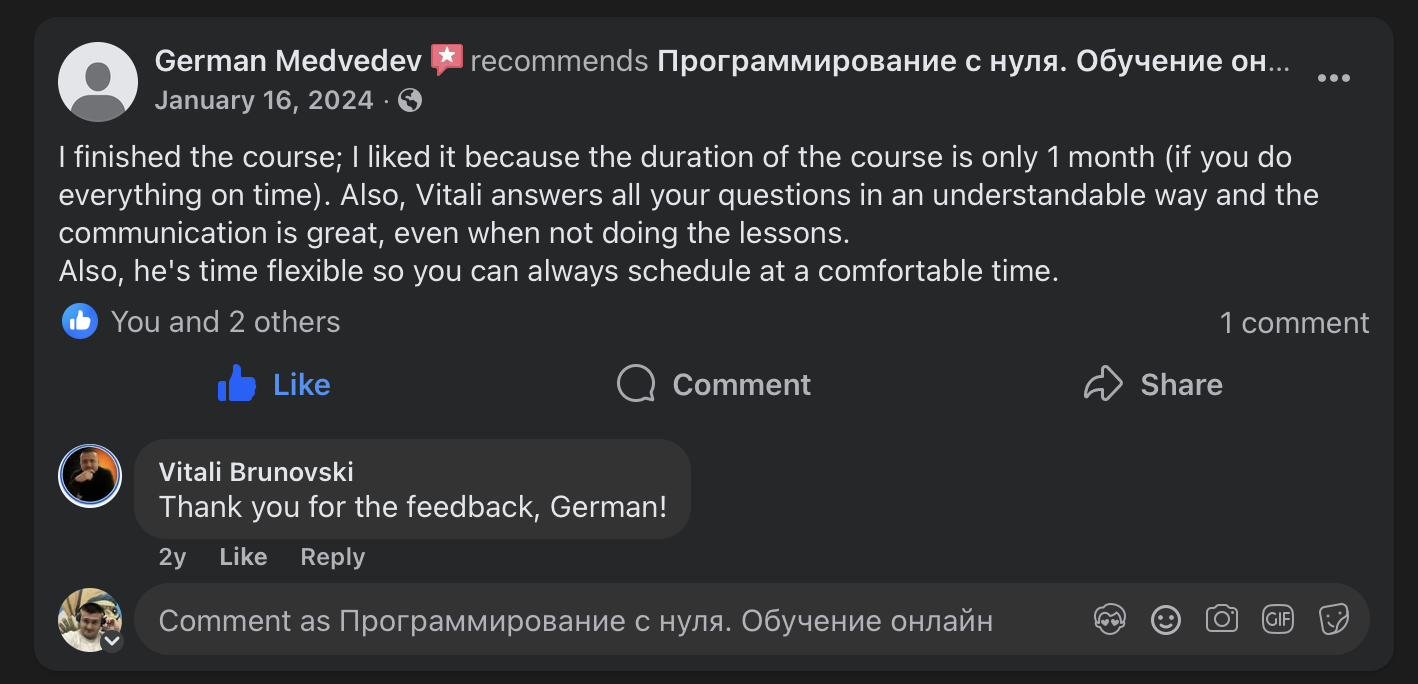
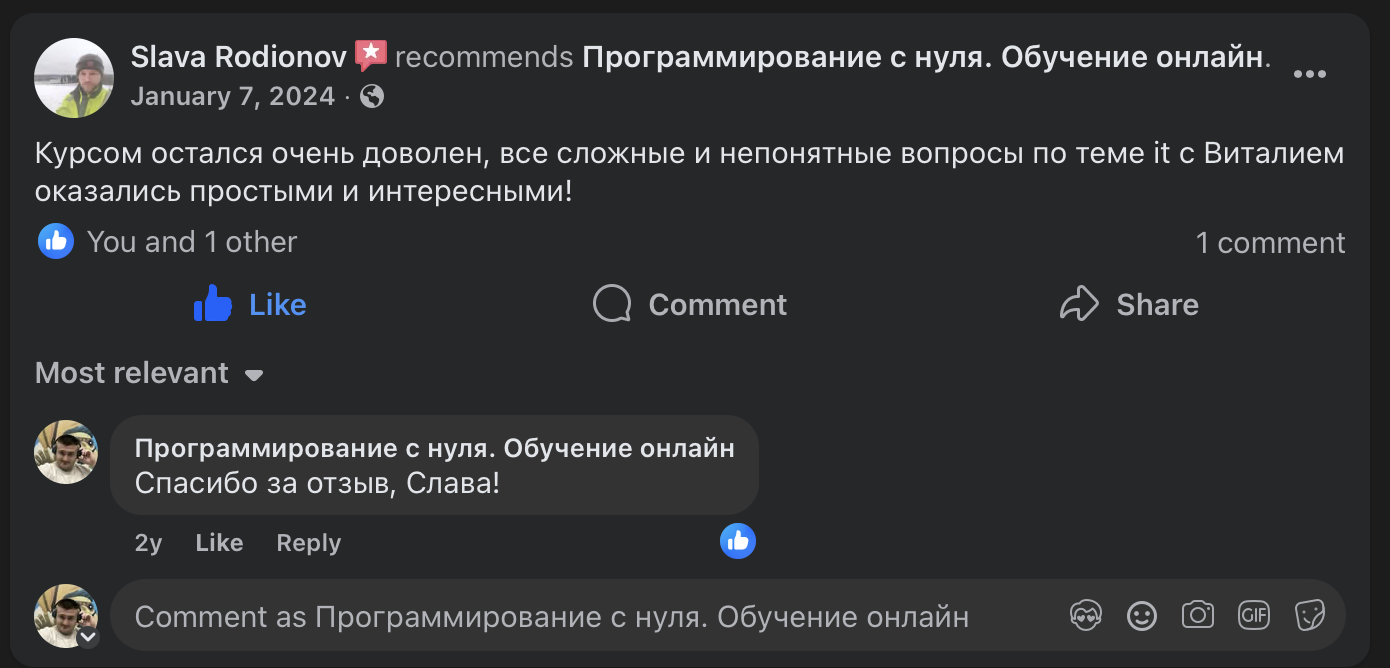
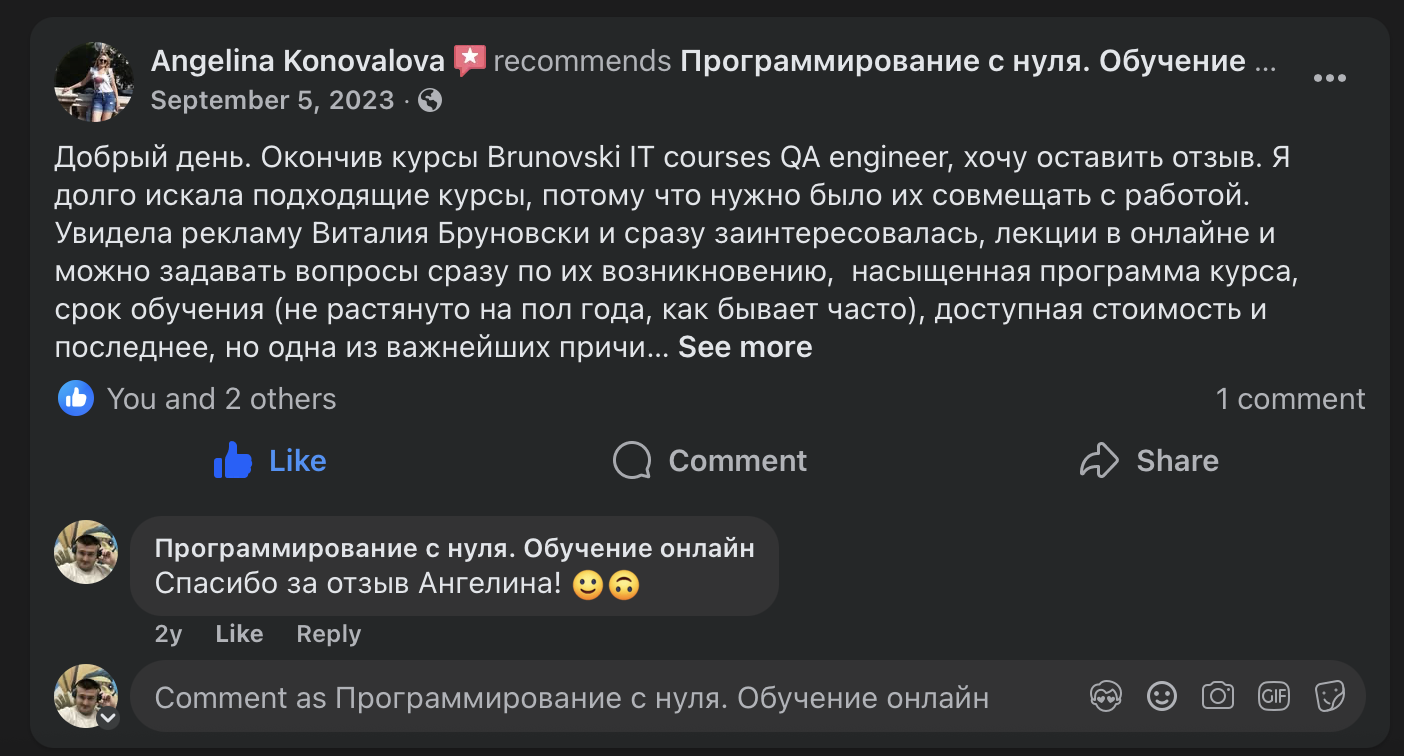
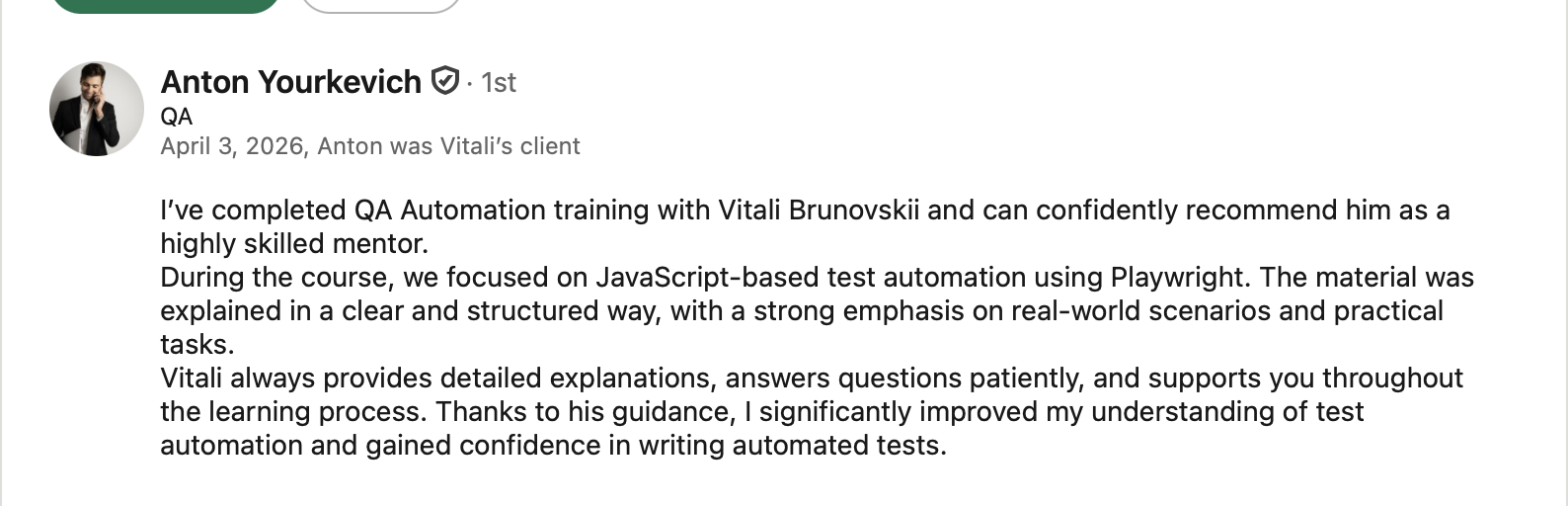
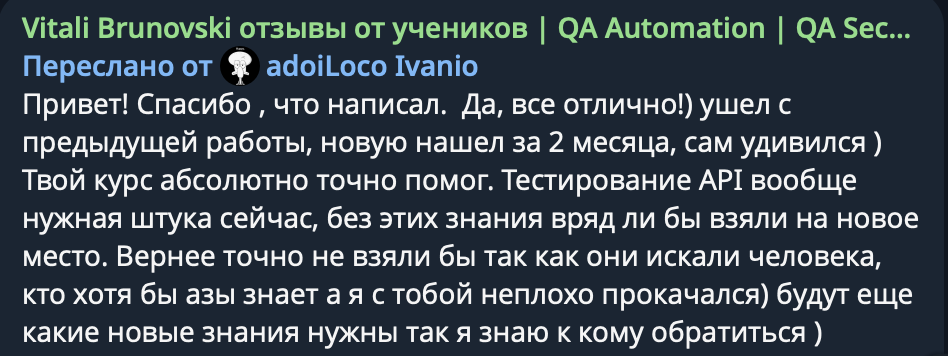
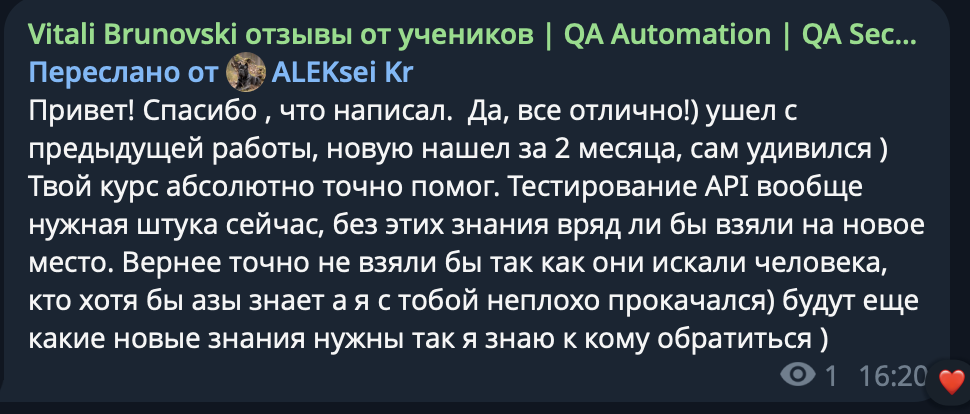
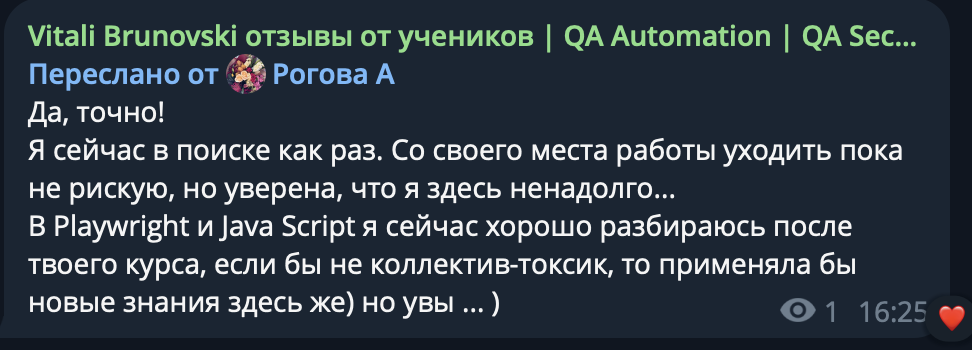
WHAT STUDENTS SAY
1:1 mentoring
6 hours of 1:1 sessions
- 1:1 sessions
- Flexible schedule
- Messenger support
- Practice on real labs
12 hours of 1:1 sessions
- 1:1 sessions
- Flexible schedule
- Messenger support
- Practice on real labs
100% refund after the first lesson if the format isn’t a fit. No unnecessary questions.
Invest in your child’s future today
Let’s discuss how the course helps your child stay safe online and build skills that can become a strong foundation for an IT career
Discuss lessons on WhatsApp for my child